18
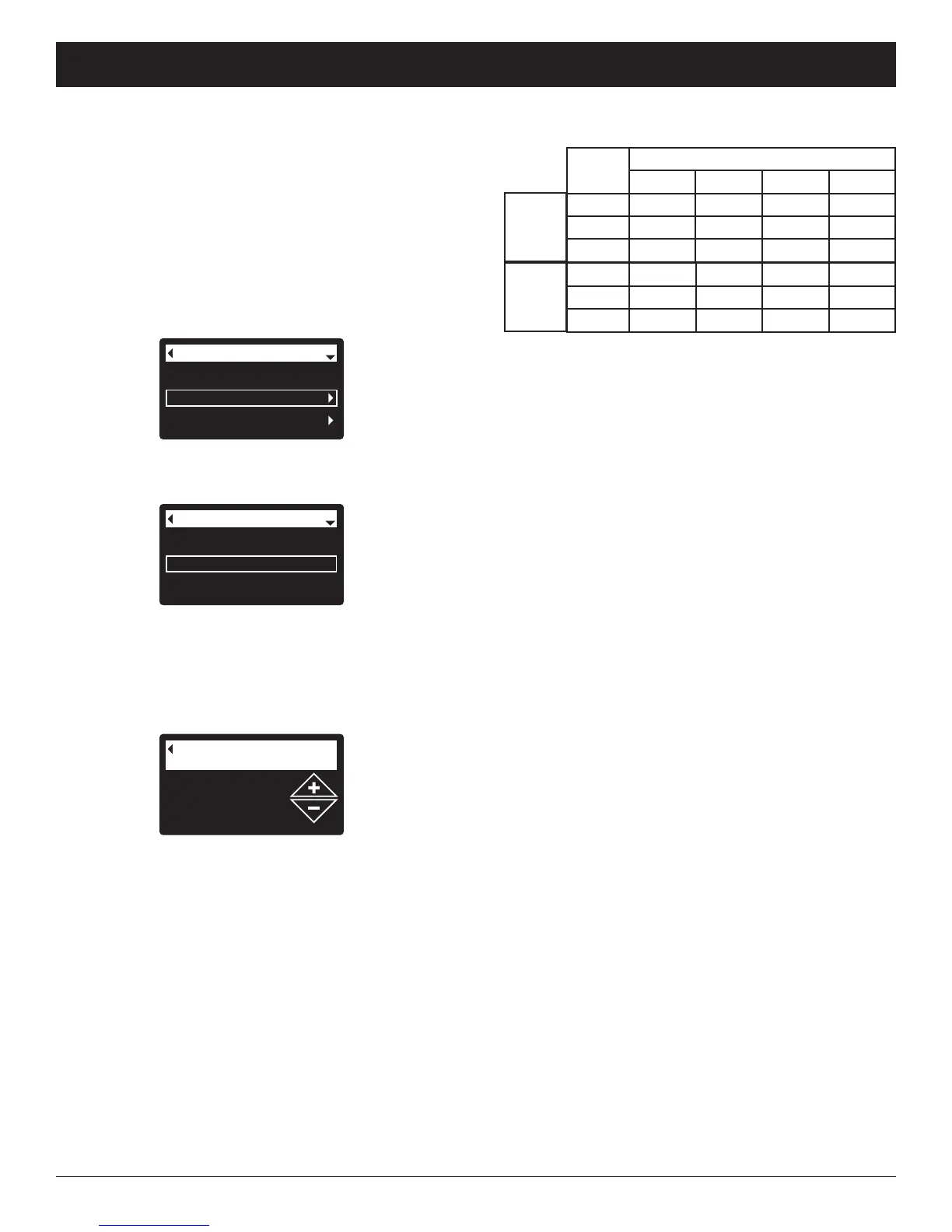
Use the table above to determine the number of days
between recharges, based on the number of people
in the household and the iron ppm (parts per million)
in the water supply.
NOTE: If the water supply has high turbidity (sand, silt,
sediments, etc.) set to recharge more often than
the table shows.
7. Press the SELECT (¡) button. The display will go
back to the Basic settings menu (Figure 49).
8. Press the LEFT (3) button twice to return to the
rolling status screens
ECOWATER
S Y S T E M S
Filter Operation
FIG. 50
1 days
Max. days between
recharges
Current time
Max. days between rech...
Recharge time
Basic settings
FIG. 49
3. Press the SELECT (¡) button to display the Basic
settings menu (See Figure 49).
4. Press the DOWN (6) button to scroll through the
menu options until Max. days between rech... is
highlighted.
5. Press the SELECT (¡) button to display the Max.
days between recharges screen (See Figure 50).
6. Press the UP (5) or DOWN (6) buttons to change
the number of days between automatic recharges.
The feature can be set from 1 to 99 days.
When the filter’s electronic control is first powered up, a
“wizard” screen prompts you to set the number of days
b
etween automatic recharges (See Page 11). To
change it:
1. From any of the rolling status screens, press the
SELECT (¡) button to display the Main menu.
2. Press the DOWN (6) button to scroll through the
menu options until Basic settings is highlighted
(See Figure 48).
Recharge
Basic settings
User preferences
M
ain menu
FIG. 48
SETTING MAXIMUM DAYS BETWEEN RECHARGES
No. of
P
eople
Iron (parts per million)
1 - 2 3 - 5 6 - 10 11 - 20
1 - 2 3 days 2 days 1 day
use AIV12
3
- 4
2
days
2
days
1
day
use AIV12
5 - 7 1 day 1 day
use AIV12 use AIV12
Model
ETF2300-
AIV10
Model
ETF2300-
AIV12
1 - 2 4 days 3 days 2 days 1 day
3 - 4 3 days 2 days 1 day 1 day
5 - 7 2 days 1 day 1 day 1 day



 To Next Page