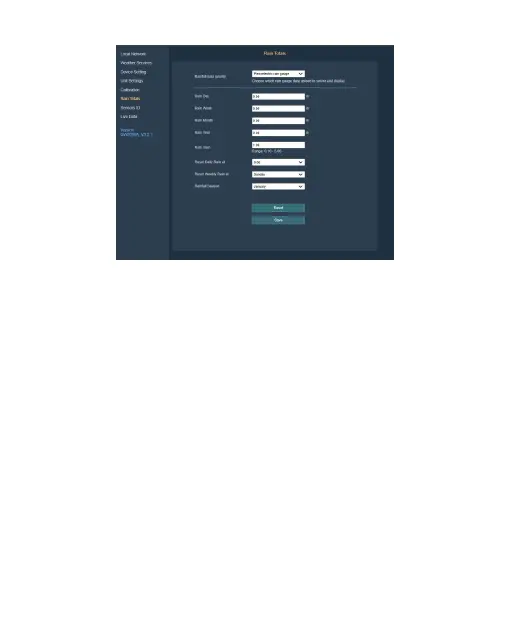
Figure 37
8.8 Sensor ID on Web UI
(1) Supports viewing and registering sensor ID.
(2) Viewing battery status and signal quality.
(3) By entering the "Edit" sub-page of a particular sensor, you
may register the sensor by entering the sensor ID so that this
sensor can be mandatory assigned. You can also choose to
disable the sensor.
It is good practice to disable all sensor ID slots of sensors which
you don’t have or don’t use with your console/gateway in order
to avoid the reception of "ghost" sensors from other weather
stations in your neighborhood.



 To Next Page