9 Historical Data Export and Clear
9.1 Export History Data
When the network configuration (refer to section3.3 Ecowitt
APP Network Provisioning ) is completed, you can log in to
Ecowitt.net to export the data in CSV file format.
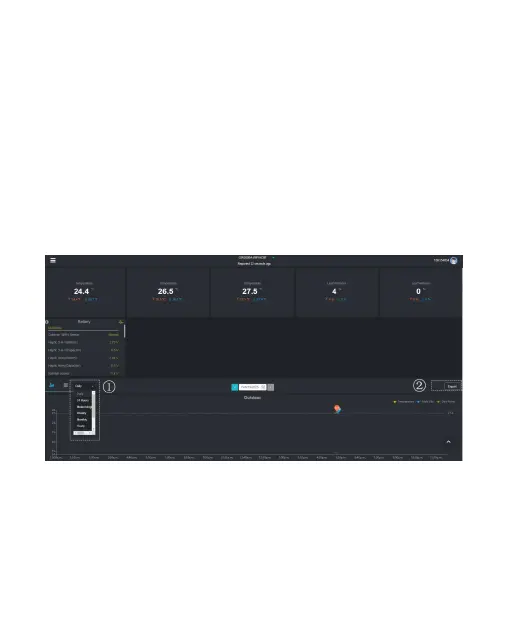
1. Choose the period of data.
2. Click "Export".
3. The file will be downloaded automatically.
Figure 40 Export History Data



 To Next Page