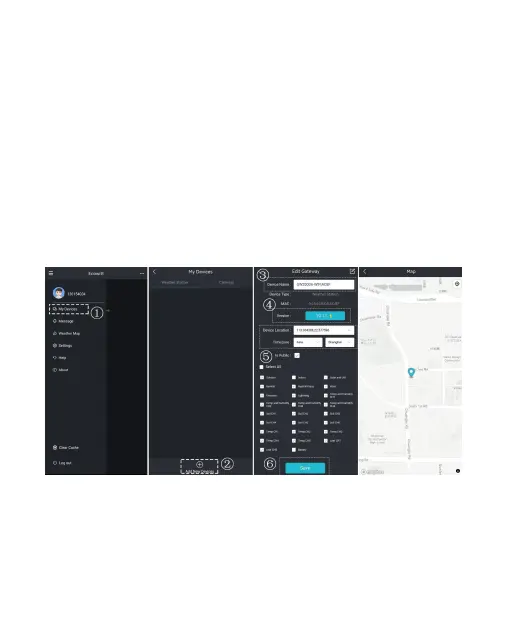
4 Setup your new device on the Ecowitt
APP
4.1
Device Location, Timezone, DST, and Data
Public & Firmware Upgrade settings
After you complete the Wi-Fi configuration, please follow these
steps for the Firmware upgrade, Device's precise location,
Timezone, DST (Daylight Saving Time), and Data public
settings.
Figure 16



 To Next Page