21
Installing the Motherboard
Installing a Floppy Diskette Drive
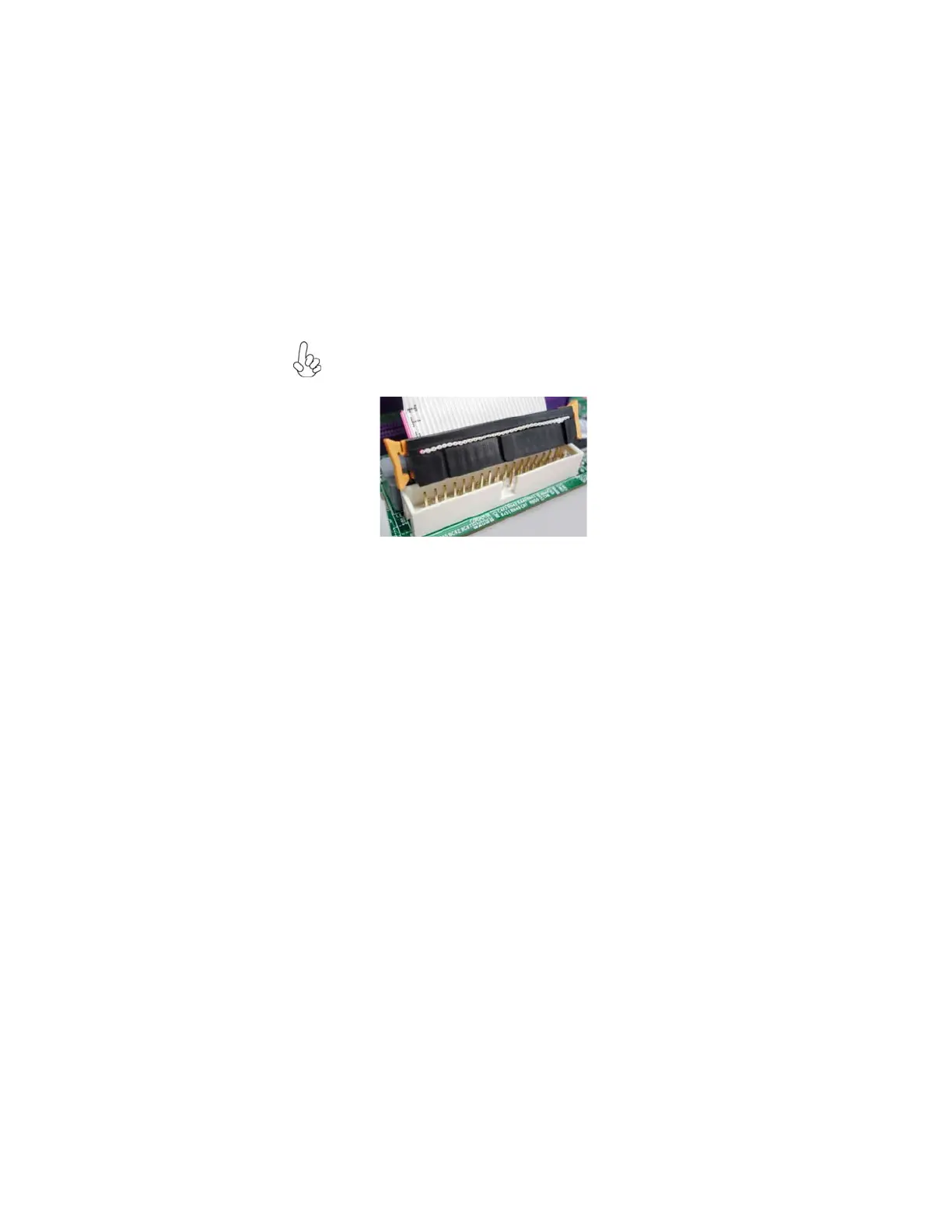
You must orient the cable connector so that the pin 1 (color) edge of
the cable corresponds to the pin 1 of the I/O port connector.
FDD: Floppy Disk Connector
Connect the single end of the of the floppy connector to the onboard floppy
connector firstly, and then connect the remaining plugs on the other end to the
floppy drives correspondingly.



 To Next Page
 Loading...