50
Intel
®
Remote Wake Technology
IRWT Installation and Setup
Driver and Software Installation
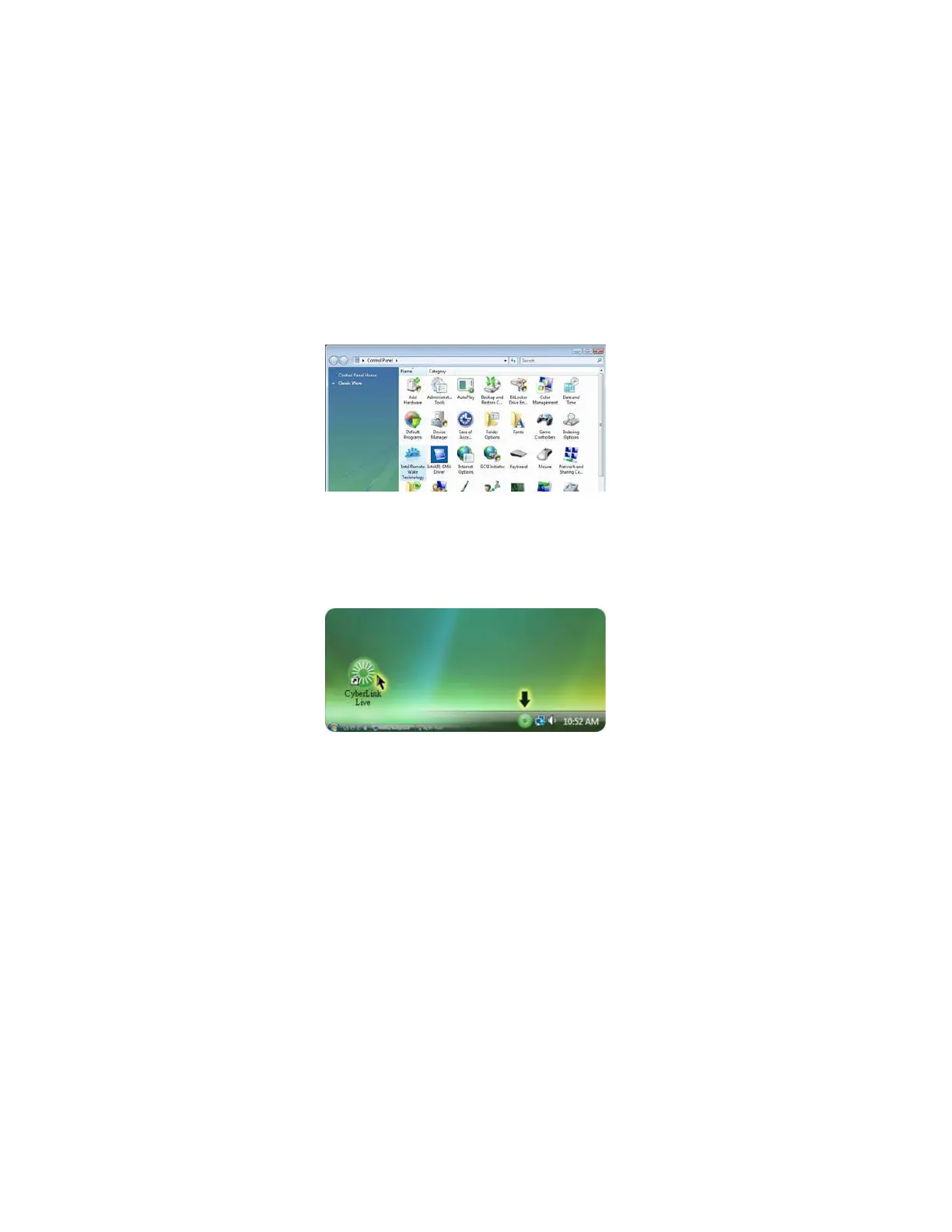
1. Install IRWT driver from bundled CD. When complete, an IRWT applet will appear in the
Control Panel. Click Start -->
Control Panel, you will find the Intel Remote Wake Technol-
ogy applet.
2. Connect to internet and install Cyberlink Live. You will be required to create a member
account that you can use to remotely wake up this PC over the internet. Follow the step-by-
step installation process shown on the screen till complete.
3. After installation, you can find the Cyberlink icon in the taskbar.



 To Next Page
 Loading...