41
Using BIOS
User Password (Not Installed)
This item indicates whether a user password has been set. If the password has been
installed, Installed displays. If not, Not Installed displays.
User Password
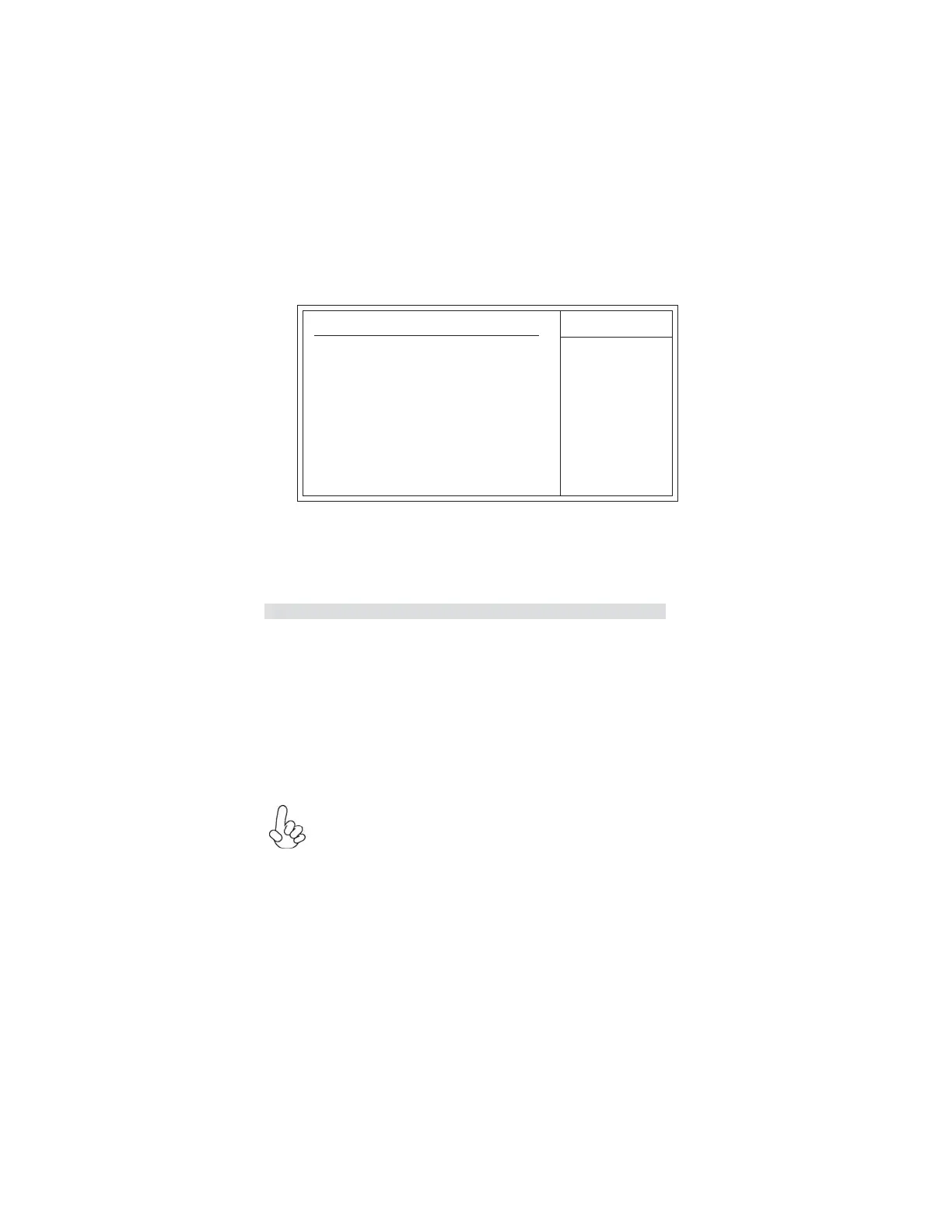
This page helps you install or change a password.
Help Item
CMOS Setup Utility - Copyright (C) 1985-2008, American Megatrends, Inc.
User Password
Press <Esc> to return to the main menu setting page.
User Password : Not Installed
Save & Exit Setup
Highlight this item and press <Enter> to save the changes that you have made in the
Setup Utility and exit the Setup Utility. When the Save and Exit dialog box appears,
select [OK] to save and exit, or select [Cancel] to return to the main menu.
If you have made settings that you do not want to save, use the “Exit
Without Saving” item and select [OK] to discard any changes you have
made.
Exit Without Saving
Highlight this item and press <Enter> to discard any changes that you have made in
the Setup Utility and exit the Setup Utility. When the Exit Without Saving dialog box
appears, select [OK] to discard changes and exit, or select [Cancel] to return to the
main menu.
mnlk
: Move
F10: Save ESC: Exit
Enter: Select
+/-/: Value
F9: Load Default Settings
F1: General Help



 To Next Page
 Loading...