39
Using BIOS
IDE HDD Block Mode (Enabled)
The onboard IDE drive interface supports IDE prefetching, for faster drive access.
If you install a primary and secondary add-in IDE interface, set this field to Disabled
if the interface does not support prefetching.
Serial-ATA Controller (All Enabled)
This item allows you to enable or disable the onboard SATA controller.
Press <Esc> to return to the Integrated Peripherals page.
On-Chip IDE Channel 0/1 (Enabled)
Use these items to enable or disable the PCI IDE channels that are integrated on
the motherboard.
Primary/Secondary Master/Slave PIO (Auto)
Each IDE channel supports a master device and a slave device. These four items let
you assign the kind of PIO (Programmed Input/Output) was used by the IDE
devices. Choose Auto to let the system auto detect which PIO mode is best, or
select a PIO mode from 0-4.
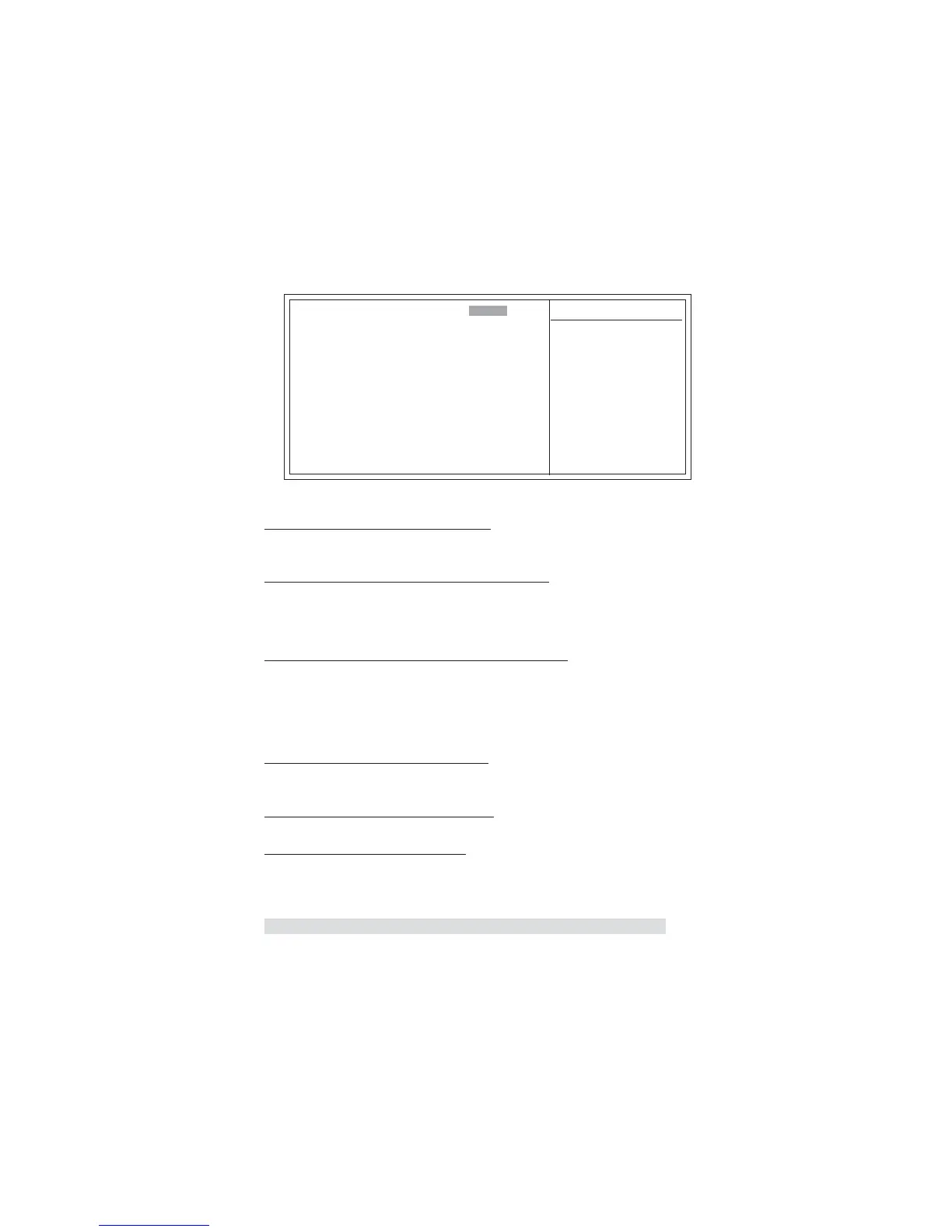
Phoenix-AwardBIOS CMOS Setup Utility
IDE Function Setup
Primary/Secondary Master/Slave UDMA (Auto)
Each IDE channel supports a master device and a slave device. This motherboard
supports UltraDMA technology, which provides faster access to IDE devices.
If you install a device that supports UltraDMA, change the appropriate item on
this list to Auto. You may have to install the UltraDMA driver supplied with this
motherboard in order to use an UltraDMA device.
IDE DMA transfer access (Enabled)
This item allows you to enable the transfer access of the IDE DMA then burst onto
the PCI bus and nonburstable transactions do not.
OnChip IDE Channel0 [Enabled]
Primary Master PIO [Auto]
Primary Slave PIO [Auto]
Primary Master UDMA [Auto]
Primary Slave UDMA [Auto]
OnChip IDE Channel1 [Enabled]
Secondary Master PIO [Auto]
Secondary Slave PIO [Auto]
Secondary Master UDMA [Auto]
Secondary Slave UDMA [Auto]
IDE DMA transfer access [Enabled]
Serial-ATA Controller [All Enabled]
IDE HDD Block Mode [Enabled]
Item Help
ff
Menu Level
IDE Function Setup (Press Enter)
X
F5: Previous Values F6: Fail-Safe Defaults F7: Optimized Defaults
: Move Enter: Select +/-/PU/PD:Value F10:Save ESC:Exit F1: General Help
Scroll to this item and press <Enter> to view the following screen:
mnlk



 To Next Page