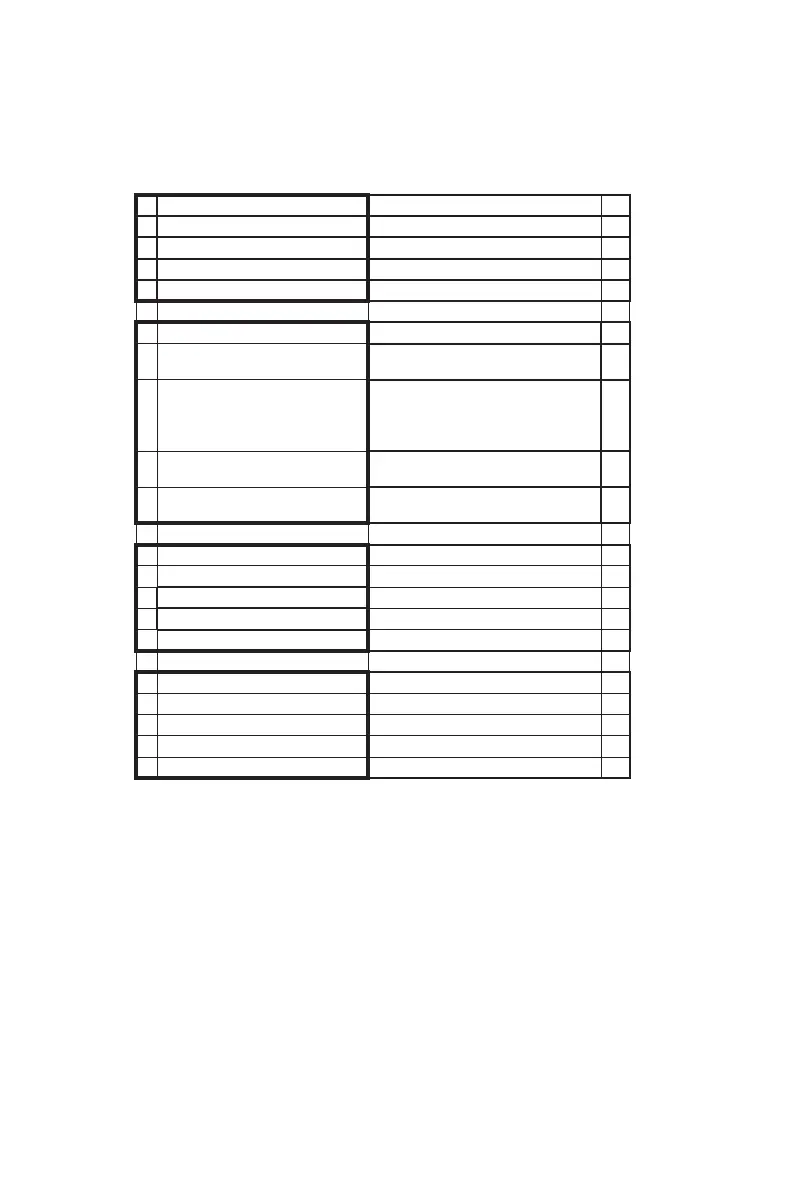
3.The menu of TOYDIY-CNC Function
EcubMaker TOYDIY
Explanation
CNC 3D Printer Current Printer Type
> CNC Print Guide
Utility
Back
> Step1:Place Objects
Place your objects and fix with
clamping tools.
Step2:Move Axis
Adjust the axis to bring the
toolhead middle of the carving
part and closer to the carving
surface.
Step3:Set Origin
Save the Previous 2 steps data.
Must do this step.
Step4:Print From SD
Select the model you want to
carve.
EcubMaker TOYDIY
CNC 3D Printer
CNC Print Guide
> Utility
Back
ChangeToolHeader
Restore Defaults
Printer info
--------------------------------------------------------------------------------------------------------------------------------------------
------------------------------------------------------------------------------------------------------------------------------------------
--------
19
B EcubMaker TOYDIY basic setup and installation
Menu Overview



 To Next Page