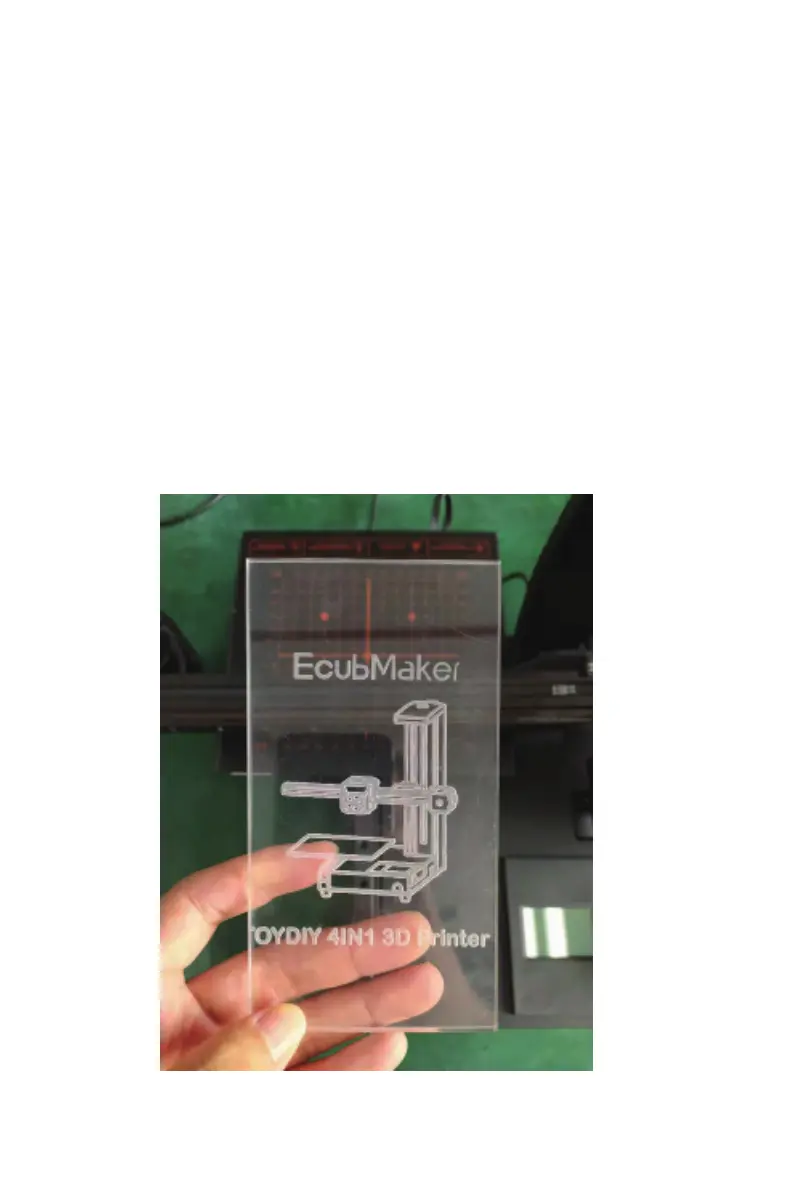
CNC function demonstration
--------------------------------------------------------------------------------------------------------------------------------------------
---------------------------------------------------------------------------------------------------------------------------------------
--------
29
B EcubMaker TOYDIY basic setup and installation
(3)Step3:Set Origin. After the previous step, set the current state to the machining
origin.
Note: Set origin is very important.Center position should be set as far as
possible to ensure that there is no impact on the fixture within the machining
range.In addition, the appropriate distance between the CNC bit and the
material is also very important.Otherwise, the carving will be too deep or too
shallow.
(4)Step4:Print From SD. select Laser Engraving Test Modle.gcode and print it.
(5)Wait for the printing to finish. Please wear goggles to observe the printing.
(6)After printing, loosen the CNC hand screw and remove the model.
(7)Use a brush and a vacuum cleaner to clean the machine.
Note: CNC engraving is a high intensity processing, processing must be sure
not to touch the equipment.At the same time, the subsequent continuous
processing time of the new engraving model should not exceed 3 hours,



 To Next Page