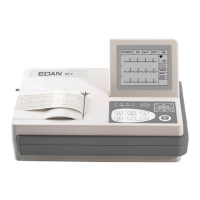
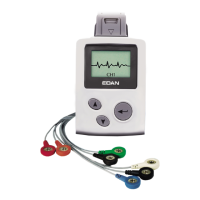
SE-601 Series Electrocardiograph User Manual About SE-601 Application
- 28 -
E
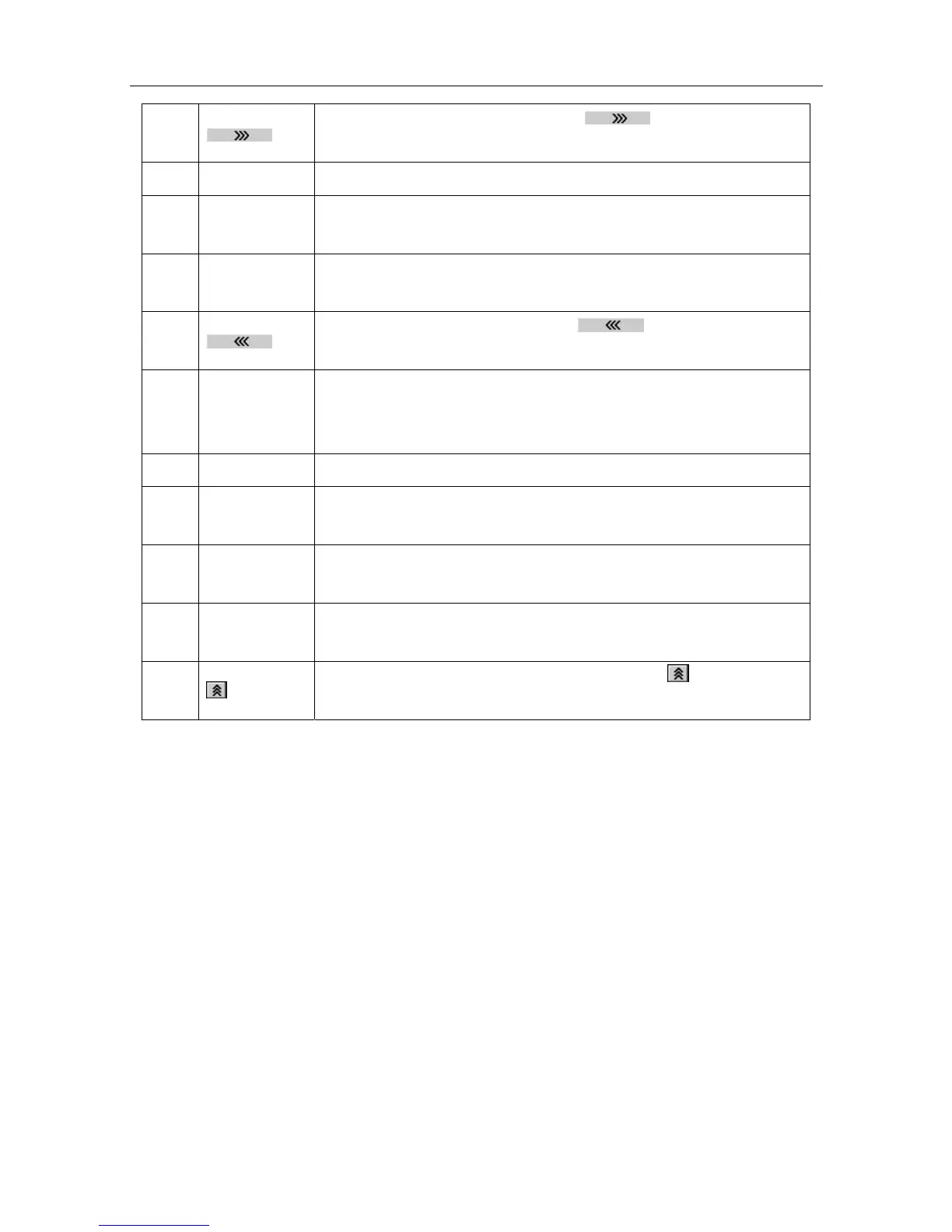
Press the function key F5 below to display the File
Manage screen2.
F
Del All Press the function key F1 below Del All to delete all the files.
G
AllToUSB
Press the function key F2 below AllToUSB to copy all the files into
the ECGDATA folder of the U disk.
H
USBToECG
Press the function key F3 below USBToECG to copy files in the
ECGDATA folder of the U disk to SE-601.
I
Press the function key F5 below
to return to the File
Manage screen1.
J
Edit
Press the function key F1 below Edit to open the Patient
Information window, and then edit the patient information
manually.
K
Delete Press the function key F2 below Delete to delete the selected file.
L
To USB
Press the function key F3 below To USB to copy the selected file
into the ECGDATA folder of the U disk.
M
Trans
Press the function key F4 below Trans to transmit the selected file
to the PC.
N
Preview
For SE-601B/C, press the function key F5 below Preview to
preview the selected file.
O
For SE-601A, press the function key F5 below to return to the
File Manage screen1.


 To Next Page