41
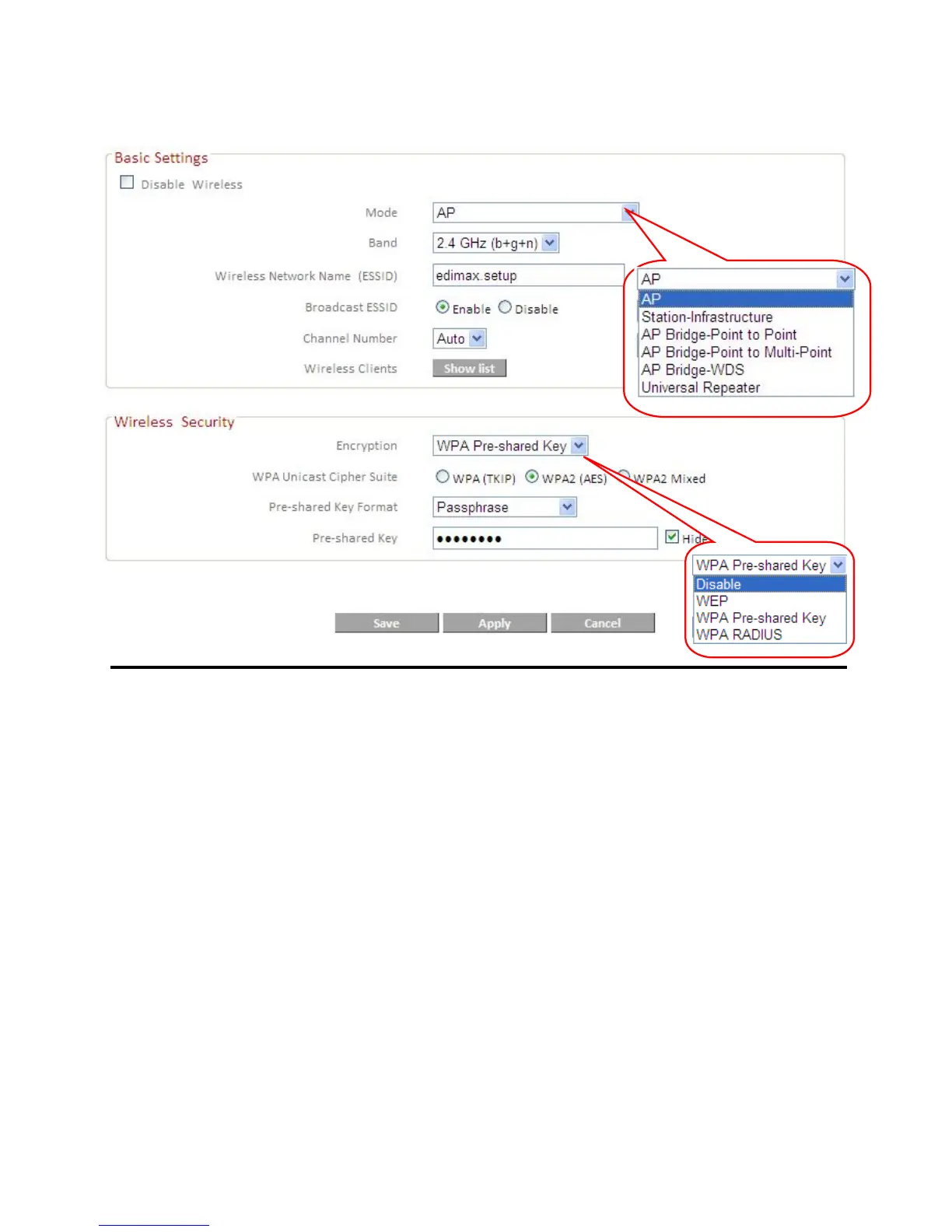
IV-5-1. Basic Settings
Mode Select a mode from the drop down menu: AP,
Station-Infrastructure, AP Bridge-Point to
Point, AP Bridge-Point to Multi-Point, AP
Bridge-WDS, Universal Repeater.
Wireless Standard Select a wireless standard from:
2.4GHz(b+g+n)
2.4GHz(b)
2.4GHz(g)
2.4GHz(n)
2.4GHz(b+g)
Wireless Network name Specify a name for your router/wireless
network for identification. The default ESSID
is name “edimax.setup”.
Broadcast ESSID Select “Enable” or Disable” to enable or
disable ESSID broadcast accordingly. When
enabled, the ESSID will be visible as an
available Wi-Fi network. When disabled, the
ESSID will still be available but not visible.













 To Next Page