47
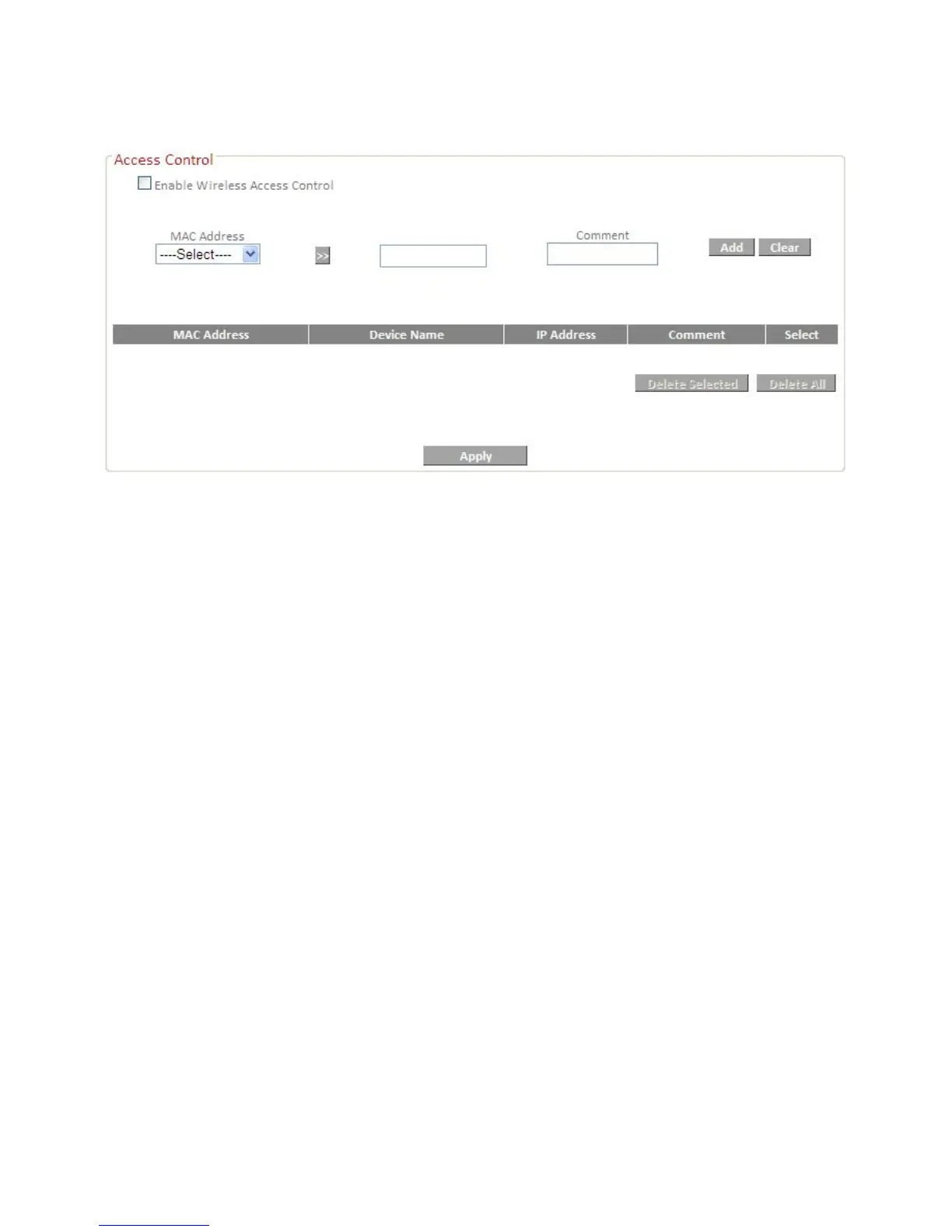
connect to the router, it will be denied.
To enable this function, check the box labeled “Enable Access Control”.
IV-5-5. Wireless Schedule
Check the box “Enable Schedule Settings” to enable a wireless schedule. A
wireless schedule enables you to automate the wireless network on or off at
specified times. Select days, times and commands appropriately to configure
your schedule.
The router must remain connected to the internet, and be used together with
an NTP Server for this feature to function correctly.













 To Next Page