39
IV-4. LAN
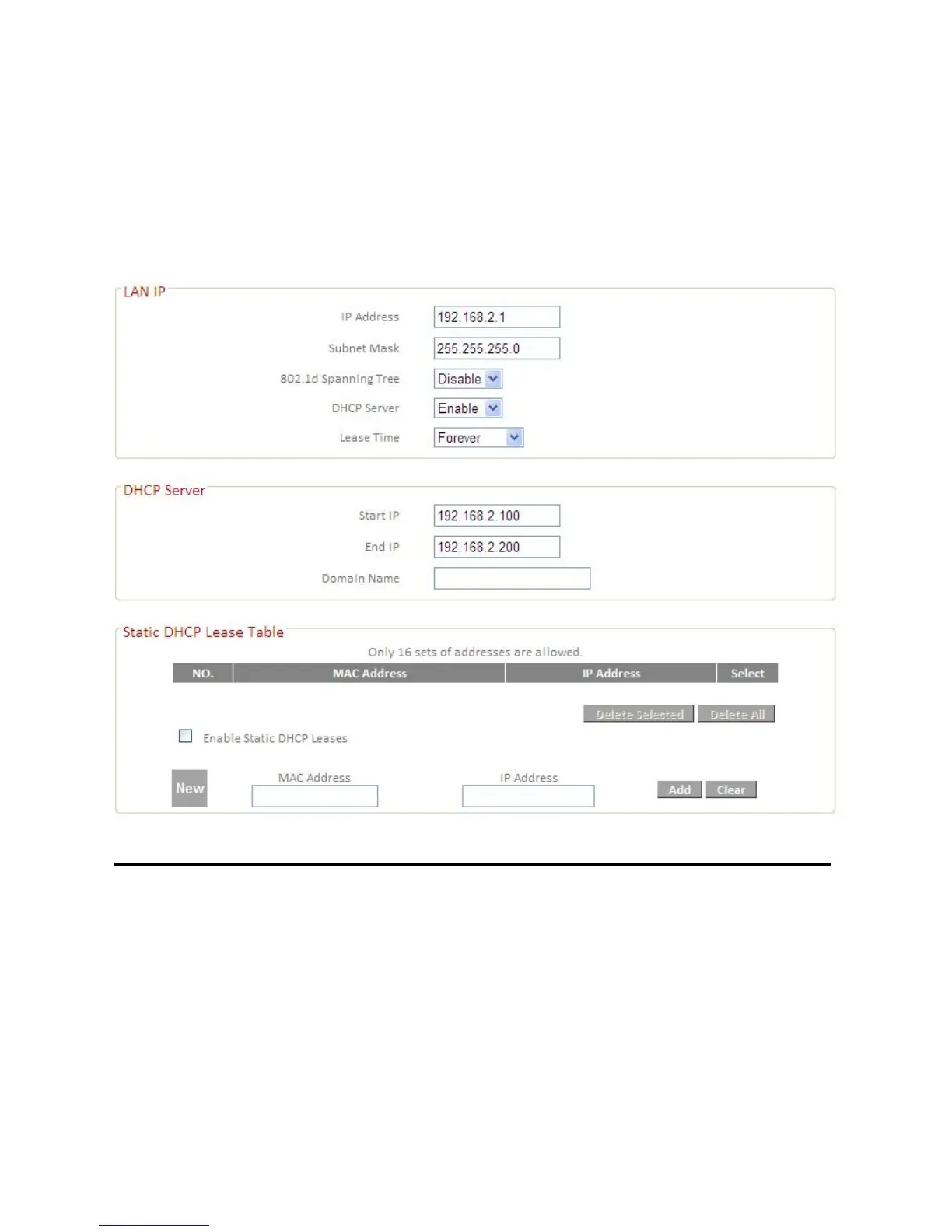
Here you can configure your Local Area Network (LAN). You can enable the
router to dynamically allocate IP addresses to your LAN clients, and you can
modify the IP address of the router.
IP Address Specify an IP address here. This IP address will
be assigned to your router and will replace the
default IP address.
Subnet Mask Specify a subnet mast – the default value is
255.255.255.0
802.1d Spanning Tree Select “Enable” or “Disable” to enable/disable
802.1d Spanning Tree. This creates a tree of
connected layer-2 bridges (typically Ethernet
switches) within a mesh network, and disables
those links that are not part of the tree, leaving













 To Next Page