53
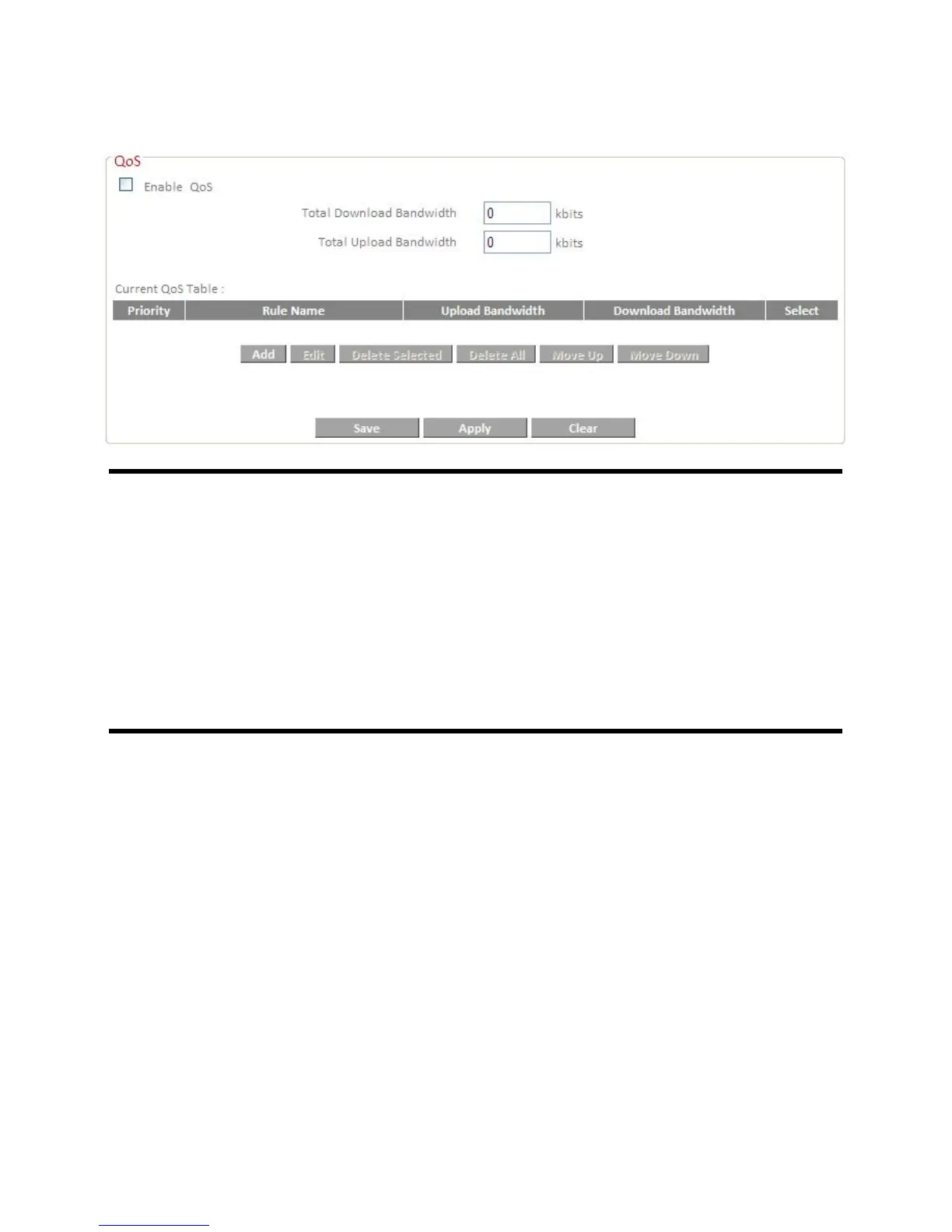
Check the “Enable QoS” box to enable this function and then enter the
desired values.
Total Download Bandwidth Set the limit of total download
bandwidth in kbits. To disable
download bandwidth limitation,
input “0” here.
Total Upload Bandwidth Set the limit of total upload
bandwidth in kbits. To disable upload
bandwidth limitation, input “0” here.
Current QoS Table The current QoS rule table.
When you assign a particular bandwidth guarantee/limit to a specific
computer, it is known as a rule. Existing rules will be listed in the table
“Current QoS Table”.
QoS Rule settings:
Click “Add” and to create a new rule in a new window.













 To Next Page