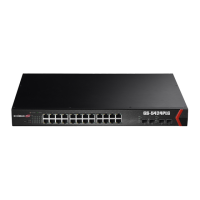
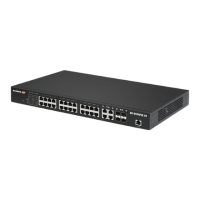
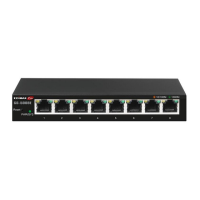
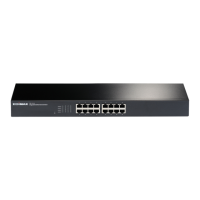
24
III-1-2 Connecting to Network
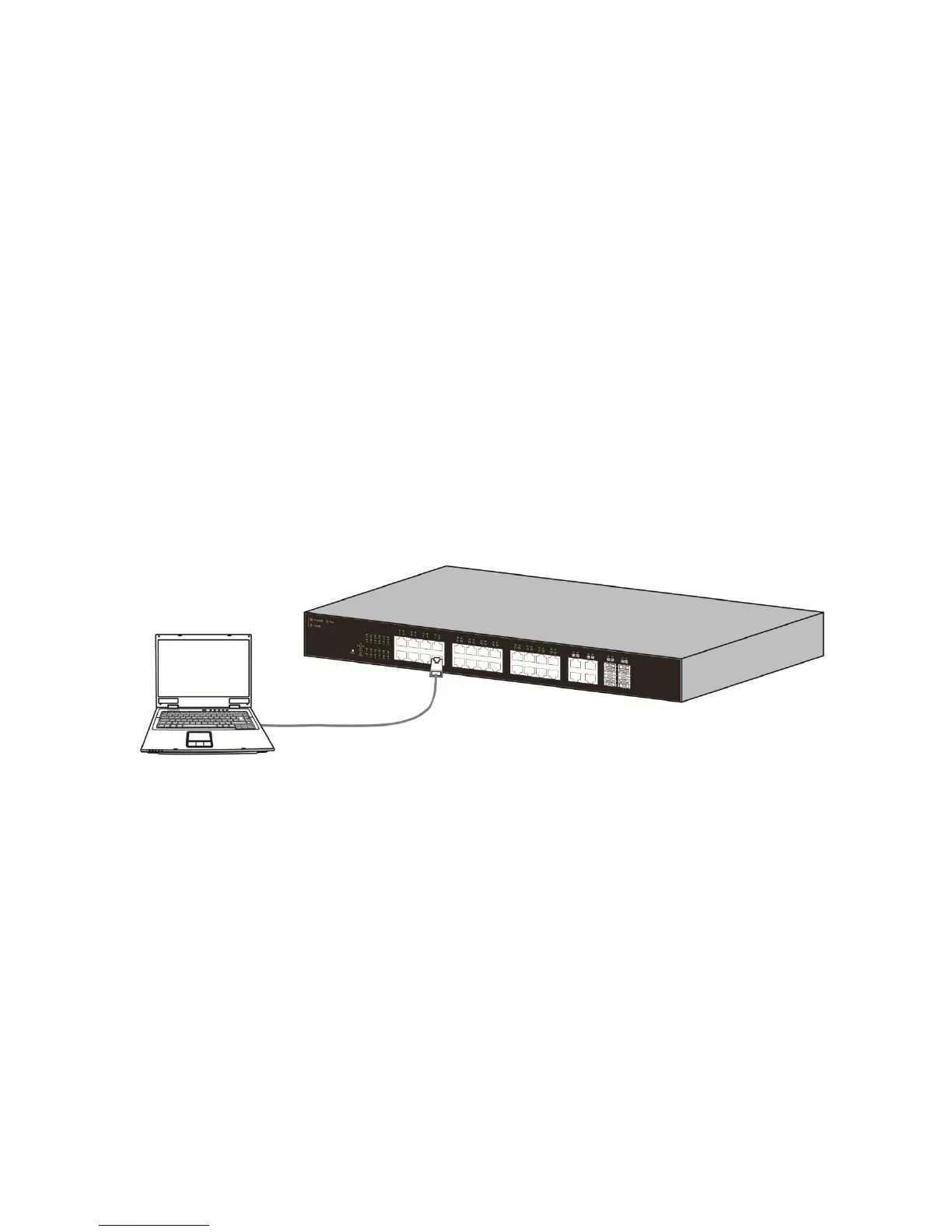
To connect the switch to the network:
1. Connect an Ethernet cable to the Ethernet port of a computer
2. Connect the other end of the Ethernet cable to one of the numbered Ethernet
ports of the switch. The LED of the port lights if the device connected is active.
3. Repeat Step 1 and Step 2 for each device to connect to the switch.
We strongly recommend using CAT-5E or better cable to connect network devices. When
connecting network devices, do not exceed the maximum cabling distance of 100 meters
(328 feet). It can take up to one minute for attached devices or the LAN to be operational
after it is connected. This is normal behavior.
Connect the switch to end nodes using a standard Cat 5/5e Ethernet cable (UTP/STP) to
connect the switch to end nodes as shown in the illustration below.
Switch ports will automatically adjust to the characteristics (MDI/MDI-X, speed, duplex)
of the device to which the switch is connected.
Figure 8 - PC Connect


 To Next Page
 Loading...