10
II-2. Camera
Follow the instructions below to ensure your camera is properly connected
and ready for setup.
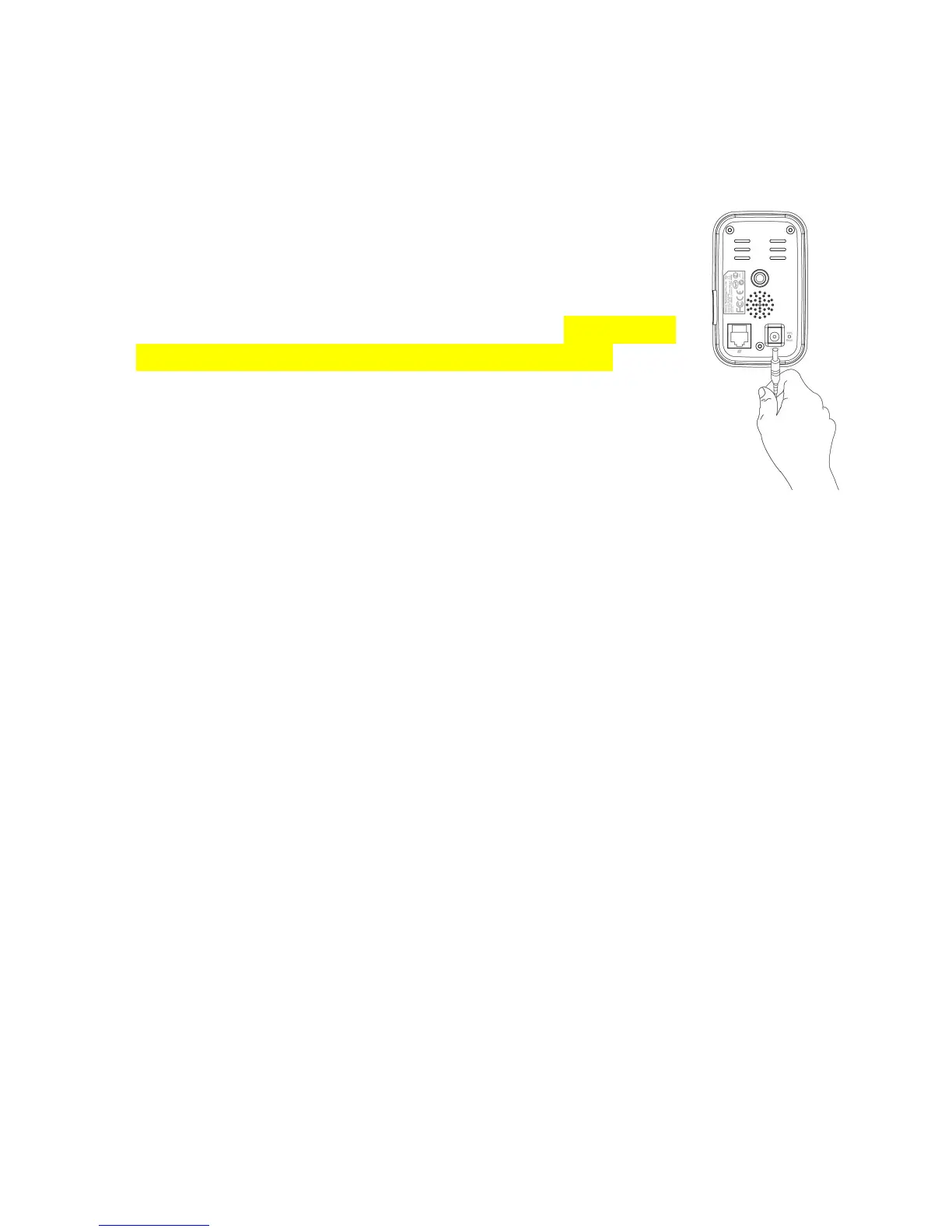
1. Connect the power adapter to the network camera’s
power port and to a power supply, as shown to the right.
2. Wait a moment for the camera to power on. The camera
green power LED will flash slowly when it’s ready. Please
refer to III. Camera Setup to setup your network camera
using the free EdiView II smartphone app.



 To Next Page