71
IV-6. Status
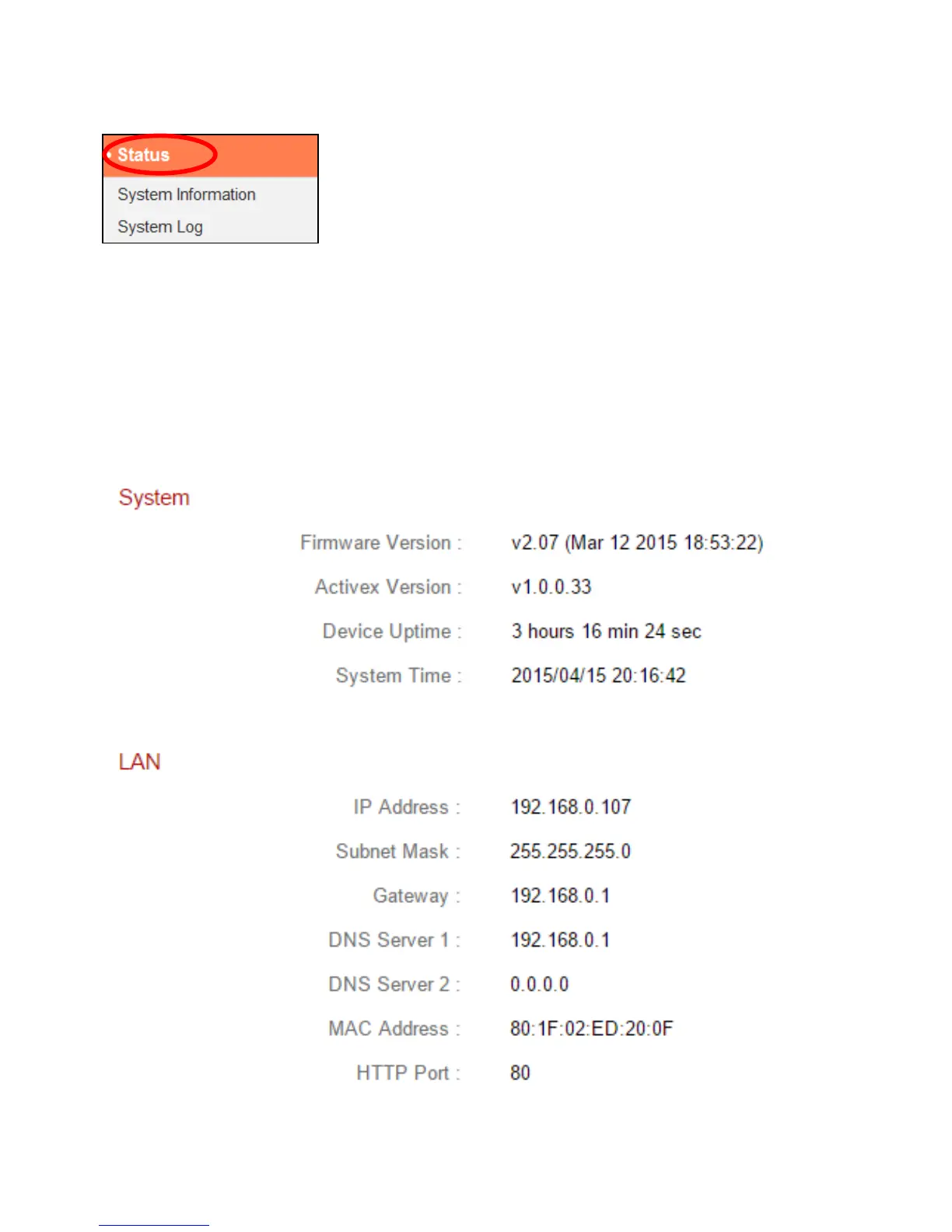
The “Status” menu provides important information
about the status of the network camera. This
information is useful for troubleshooting purposes or
for network configuration.
IV-6-1. System Information
A summary of system-wide information about the network camera is
displayed on this page, displayed under four categories: System, LAN, Wireless
LAN and IGD (UPnP Port Forward).



 To Next Page