12
II-1. EdiView II App
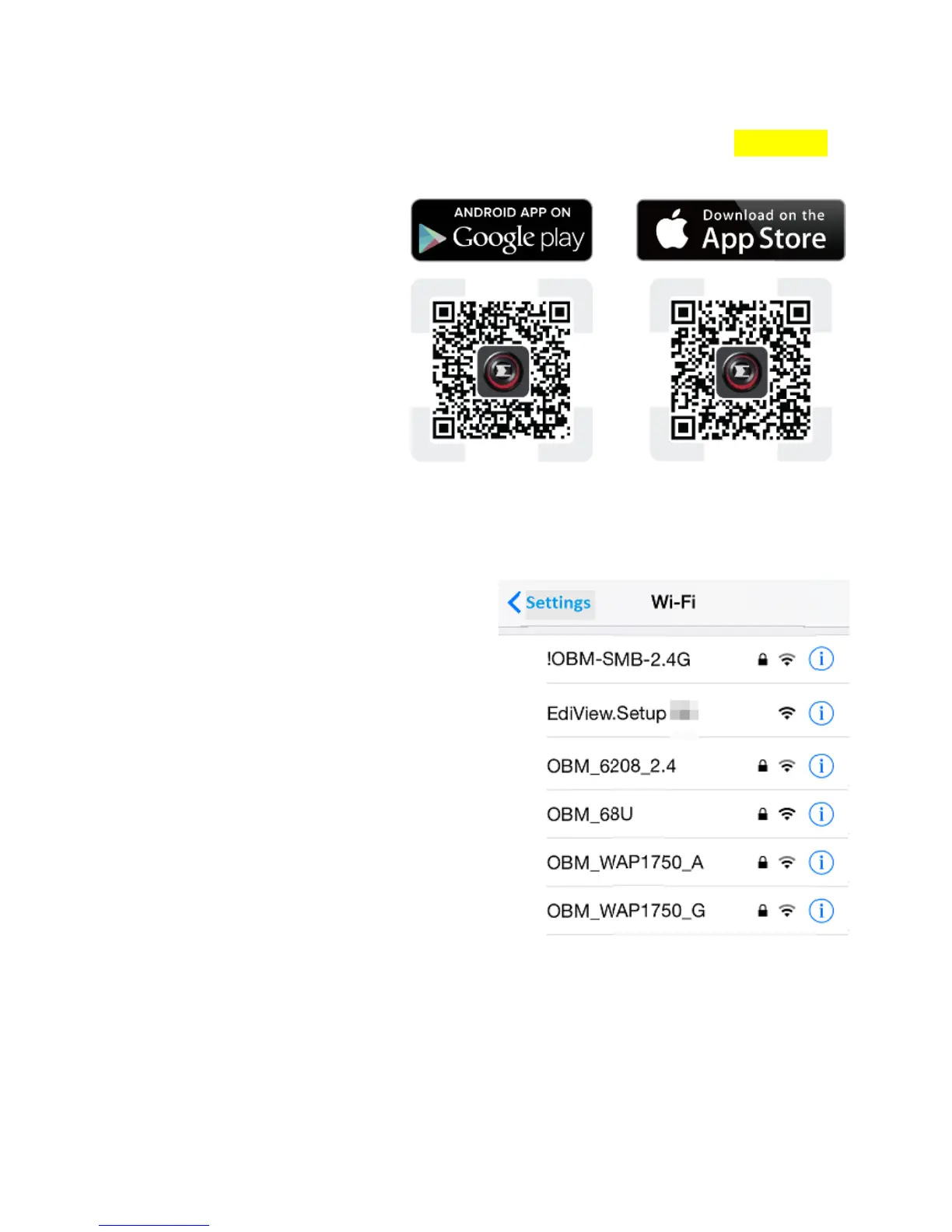
1. Use a smartphone or tablet to search, download and install the EdiView II
app from Google Play or the Apple App Store.
2. For iOS users, go to your iPhone’s Wi-Fi settings and connect to your
network camera’s SSID (EdiView.Setup**), before opening the EdiView II
app. Continue to Step 4.
3. Android users ensure your Android device’s Wi-Fi is switched on, and open
the EdiView II app. Select your network camera and click “OK” to continue.



 To Next Page