14
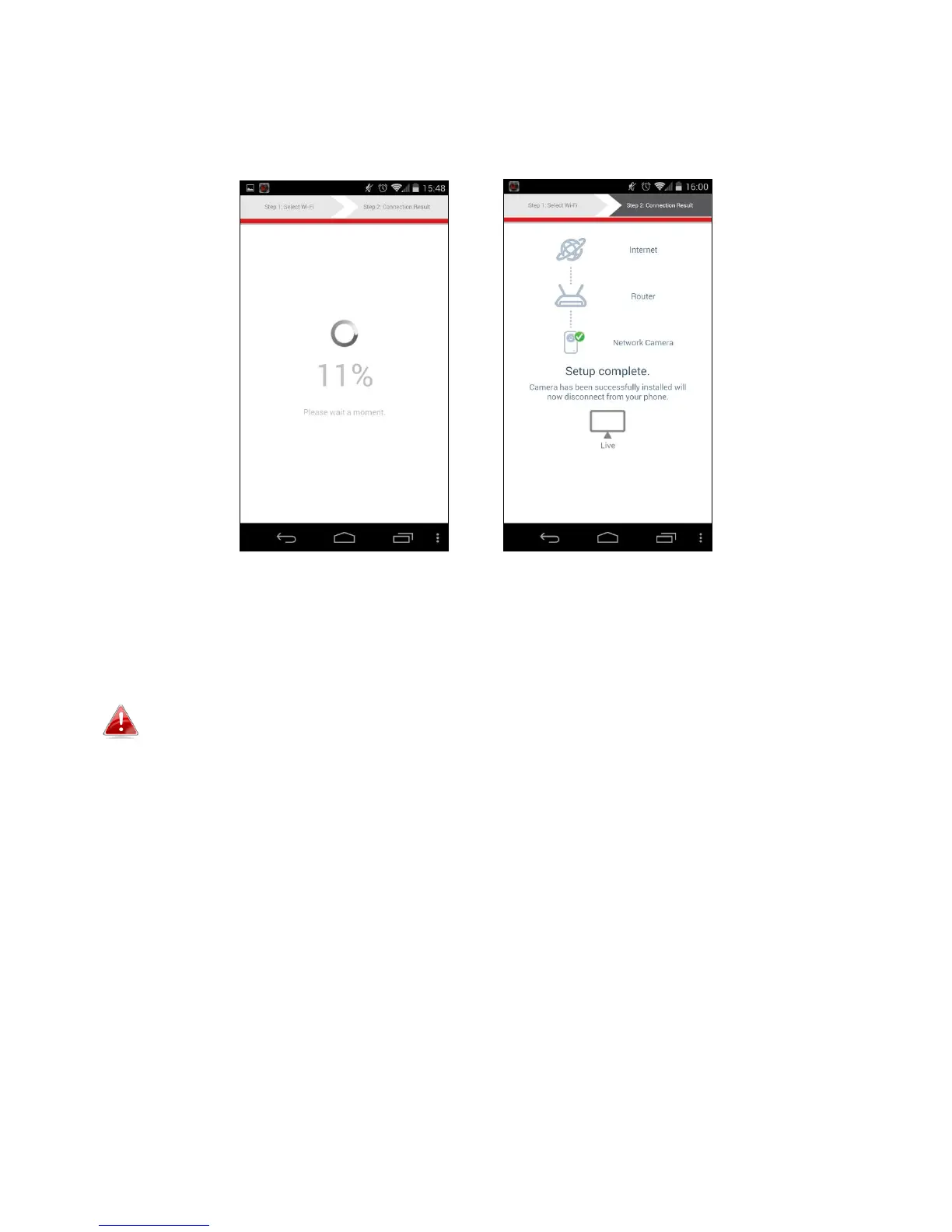
5. Please wait a moment while your camera connects to your Wi-Fi. When
you see the “Setup complete” screen, click the “Live” icon to continue or
wait for a few seconds to continue automatically.
6. Setup is complete. The camera’s green power LED should display on. You
should see a live stream from your network camera which you can view
anytime you are connected to the Internet.
It is recommended that you change your camera’s password. Go to
“More” in the bottom right corner and select “Settings”.



 To Next Page