10 Operations Manual
Time
Changes the system time.
• Press the PRGM button. The display shows the following:
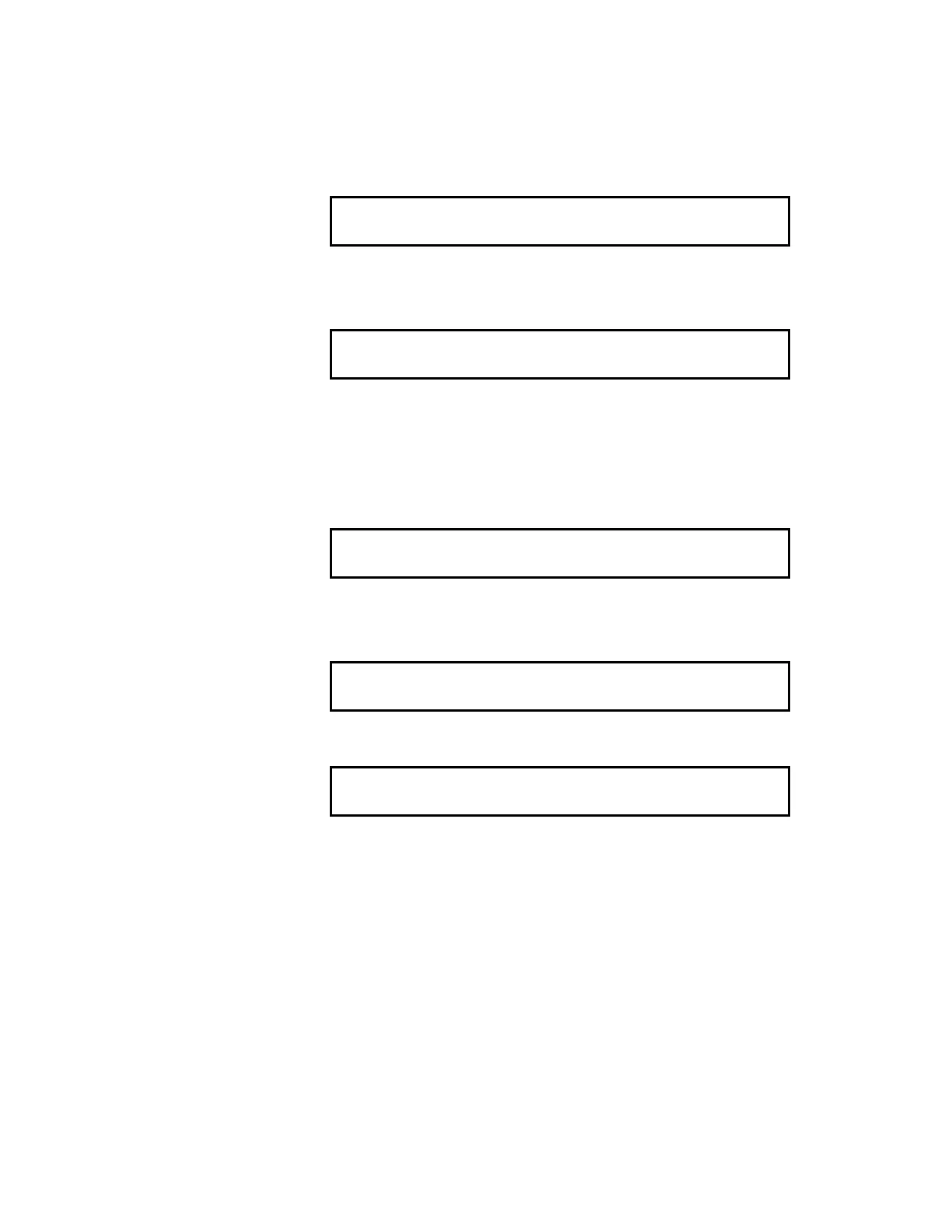
1) Load 2) Date 3) Time 4) Password 5) CommAB
6) Restart Enter # Choice ->_
The Test/Prgm LED flashes.
• Key in “3“ (Time) and press the Enter button. The display shows the
following:
Change Time
Enter Time (hhmmss) ->_
Time is entered in 24-hour, military format. For example, two forty-
five P.M. should be entered as 144500.
Password
Changes a level 1 or level 2 password.
• Press the PRGM button. The display shows the following:
1) Load 2) Date 3) Time 4) Password 5) CommAB
6) Restart Enter # Choice ->_
The Test/Prgm LED flashes.
• Key in “4“ (Password) and press the Enter button. The display
shows the following:
Change password level 1 or 2?
Enter Choice ->_
• Key in “1“ (Level 1) or “2” (Level 2) and press the Enter button.
The display shows the following:
Enter New password (nnnn) ->_
• Key in the new password and press the Enter button.
Caution
1. Make sure to write down your password and store it in a secure
location. (EST Technical Services Cannot back-door your system if
you lose your password.)
2. After changing the password, the system MUST be rebooted
(restarted) in order for the check sums to match in EEPROM.
Comm AB
Changes communications type.



 To Next Page