25
14. Connect Step
As the Frequency display indicates “Conn” and the Voltage display indicates “SteP”, press the “︿”
or “﹀” key from the Current display to select “On” or “OFF”. Setting of “On” means there is a
continuous operation after a step is completed to the next step (Ex: P1-1 → P1-2), while Setting of
“OFF” represents there is no connection between steps.
Note: If the run operation is executed in the connection of several steps, it must first set the
“Prog” to “On” before connecting the steps for any run operation (Ex: P1-5 → P2-1).
4.4 DISPLAYED MESSAGES
Below are the descriptions of error messages that may occur at abnormal conditions:
At any abnormal conditions, there are several error messages to be indicated on the display LEDs.
Thereafter the output will be disabled and the alarm will sound. The “FAIL” and “PROTECT”
indicators will also light up at the same time. If the indicator is blinking that shows an abnormal
operation is encountered, thereby the output voltage will be cut off immediately. Press the RESET
key to reset the audible alarm. The error message is eliminated and returns to the RESET
condition when the RESET key is pressed again.
All error messages are occurred at any abnormal conditions and therefore must
be recorded. Check the cause of error to ensure the problem is eliminated
before restarting the operation, or contact EEC or our official distributors for further assistance.
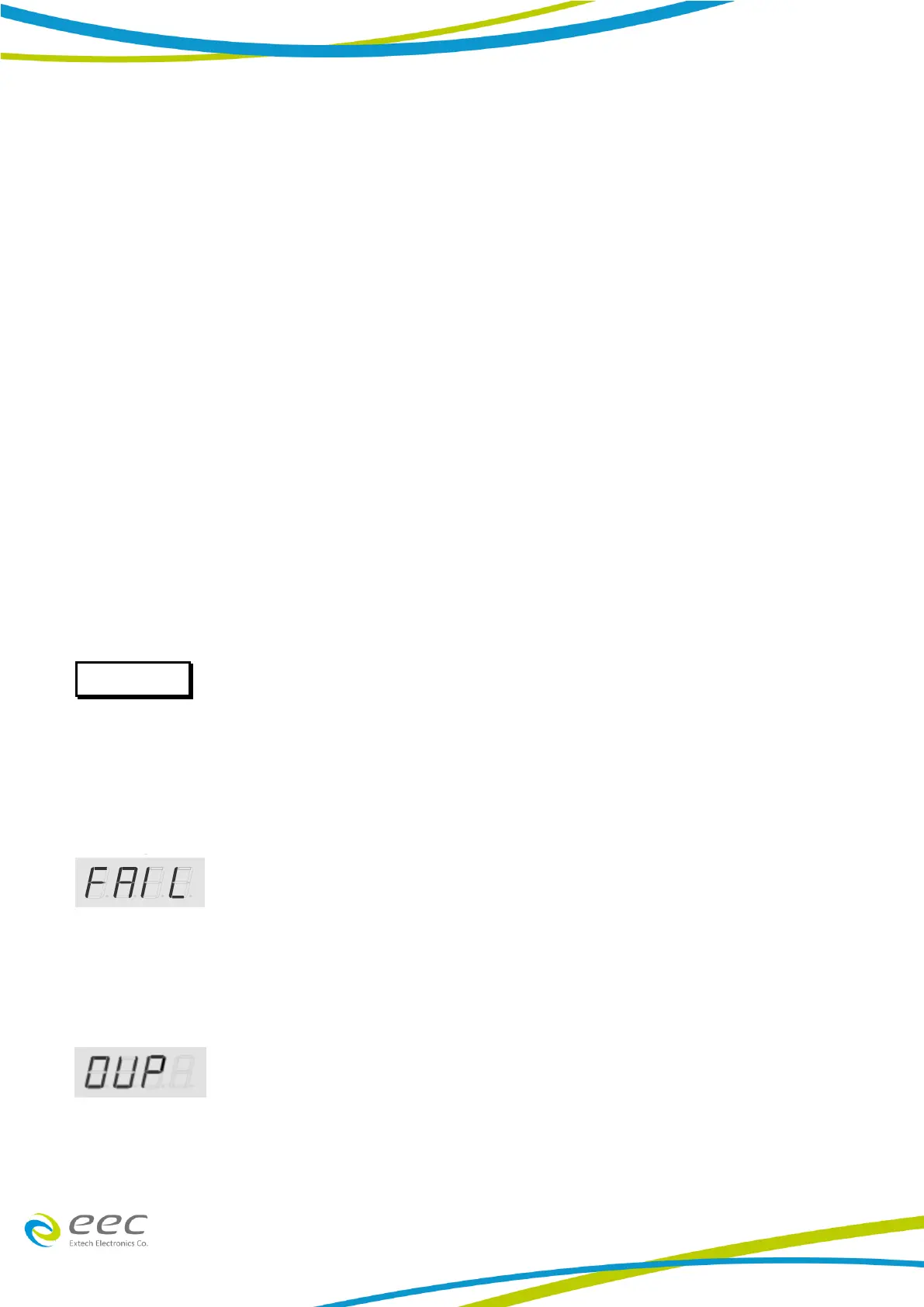
If the input voltage is below the CPU setting level when turning on the AC Power Source, the
Voltage display will indicate “FAIL” and the alarm will sound. There is no effect to reset this error
message by pressing any keys. It needs to turn off the input power in order to reset the alarm.
If the output voltage has exceeded 5V of setting voltage at 0-150V range or has exceeded 10V of
setting voltage at 0-300V range, the Frequency display will indicate “OUP” and the alarm will
sound. Consequently, the “FAIL” indicator will blink while the “PROTECT” indicator will light up.
The Voltage and Current displays will show the overloaded voltage and current respectively.
If the output current has exceeded 110% of maximum current rating, the Frequency display will
indicate “OCP” and the alarm will sound. Consequently, the “FAIL” indicator will blink while the
“PROTECT” indicator will light up. The Voltage and Current displays will show the overloaded



 To Next Page