27
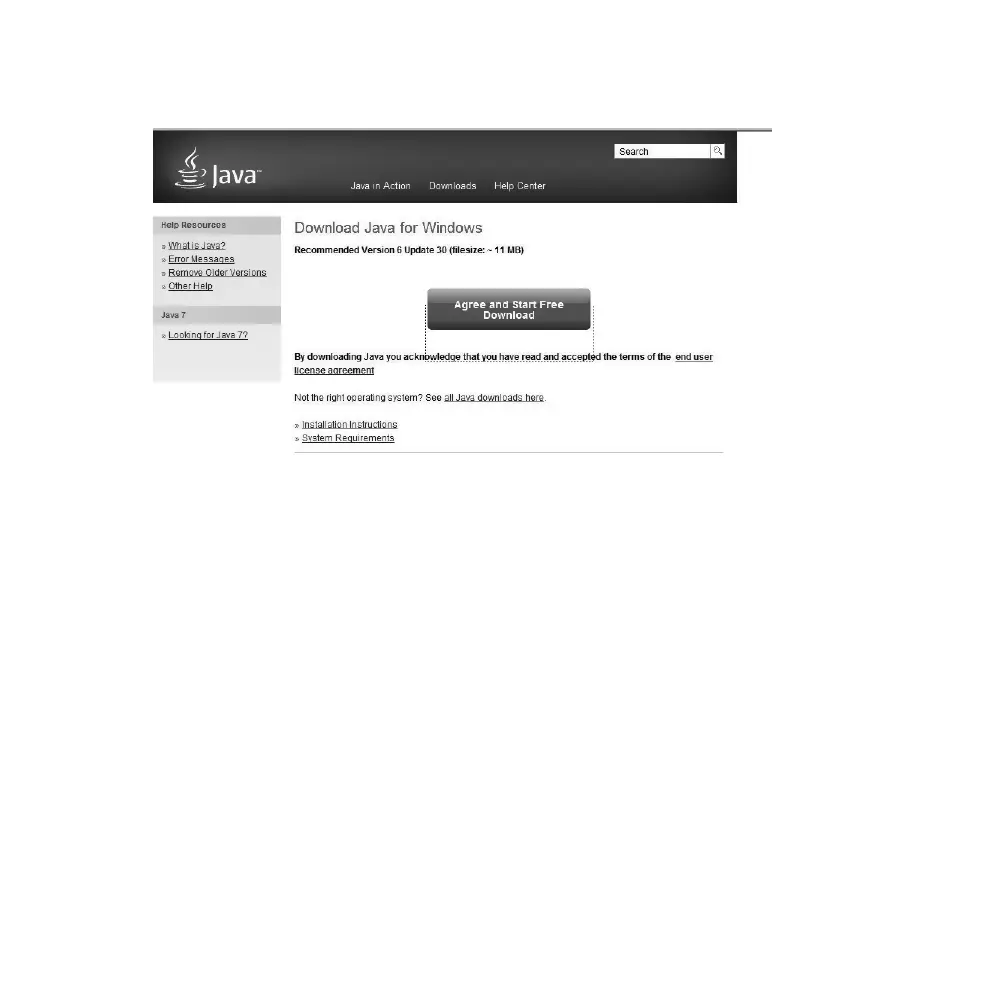
B. Retrieve Java from: www.java.com
3. Check that your UAC (User Account Control) is:
• Turned off (applies to Windows Vista).
• Lowered to no higher than level 3 (applies to Windows 7).
Procedure: Open the Control Panel and select User Accounts. Click on Change User
Account Settings and check/change the settings. Click OK to return to the main menu.
4. Make sure you are logged on as the administrator (select Run as Administrator).



 To Next Page