34
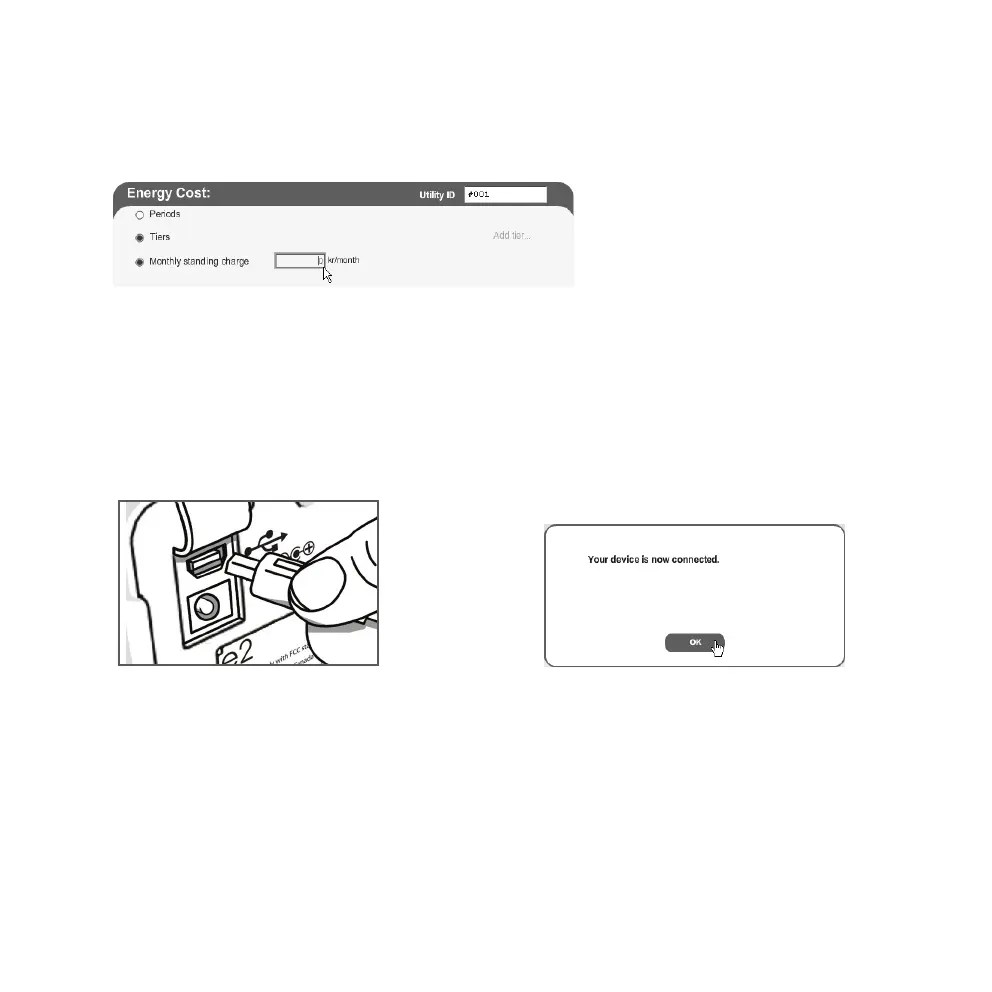
Monthly standing charge (divide quarterly gure by 3)
1. Enter the fixed amount you pay to your supplier every month.
2. Click on Apply and save settings to save your settings. Click on Clear to delete your settings.
Troubleshooting
Click on troubleshooting to open a contact box. Describe your problem for the manufacturer.
Fillin your name and e-mail address and click on Send email.
Step 4. Collect data from the electricity monitor
When all the settings have been made the elink software is ready for use.
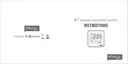
1. Connect the provided USB cable
from the electricity monitor’s USB
port (under the rubber flap on the
back of the unit) to a USB port on
your computer.
2. Wait until the message “Your device is now
connected” appears on the screen. Click
on OK.
3. Click on Collect Data to retrieve data.
4. When the message “Data has been collected…” appears on the screen, the retrieval is complete.
Press OK to finish.



 To Next Page