35
Step 5. Viewing saved readings
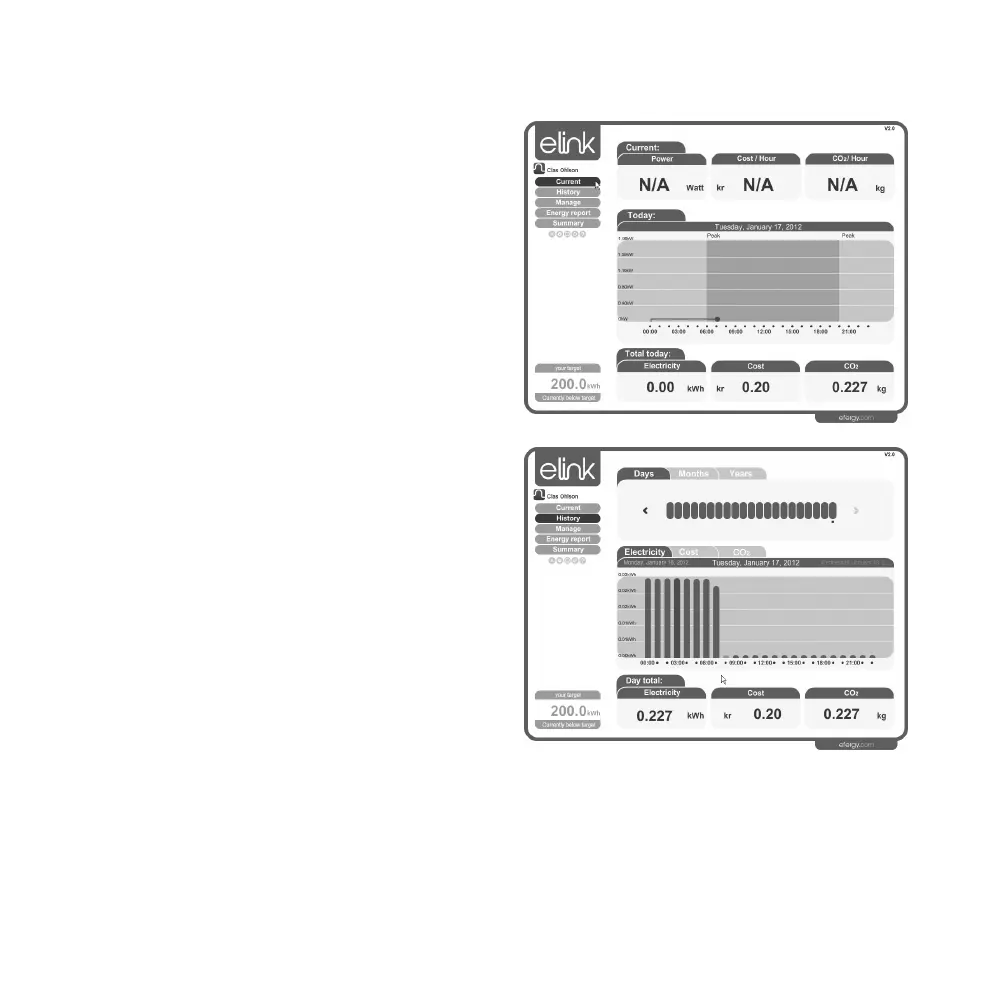
A. Current
Displays your current energy usage and cost.
Note: This function can only be displayed
if the receiver is connected to a computer.
B. History
This feature is for reviewing your usage over
the past Days, Months and Years.
Comments called stickies can be added to
help you remember events which influenced
the usage:
1. Left-click on the desired day.
2. “Add stickie” appears. Click on the box.
3. Write a note/comment in the box on
theleft.
4. Click on the “save” symbol to save
thestickie note.



 To Next Page