29
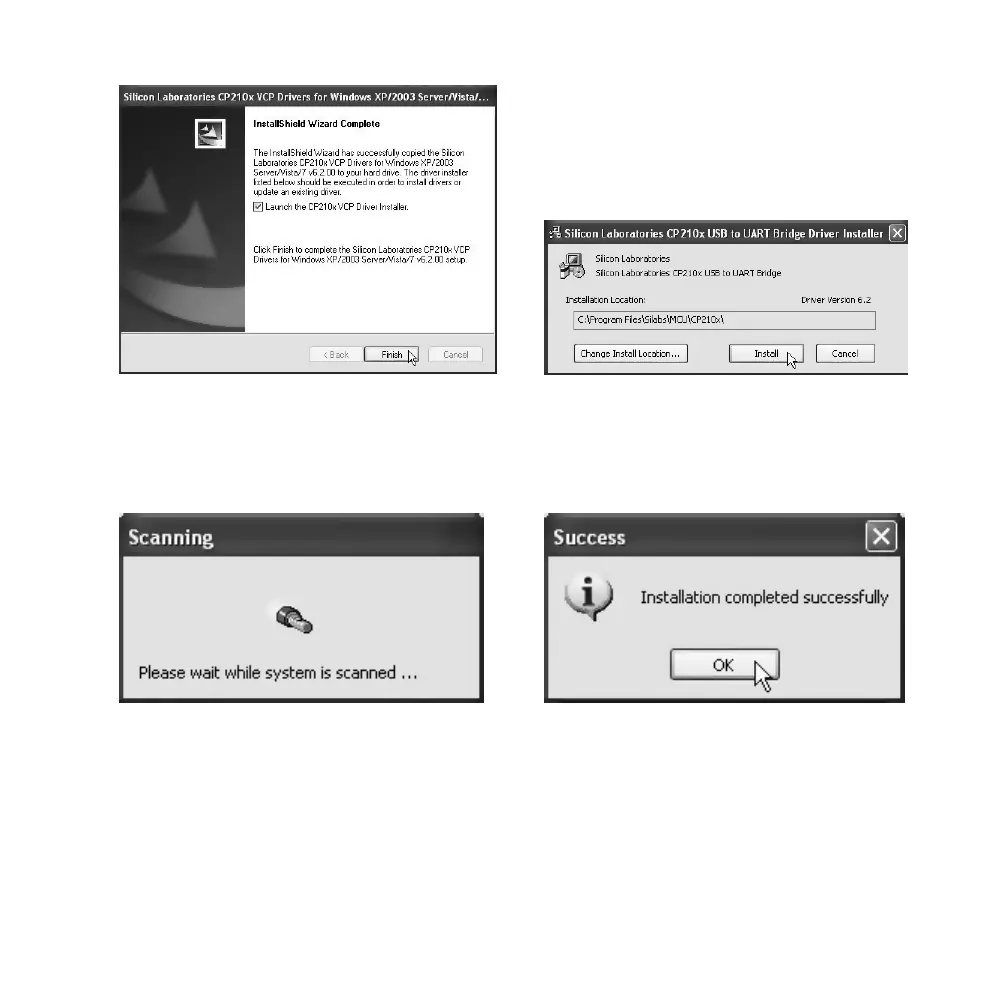
8. Make sure that the Launch the CP210…
box has been selected. Click on Finish to
finish the first stage of the installation.
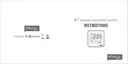
9. The next stage of the installation will now
begin. Click on Install to continue.
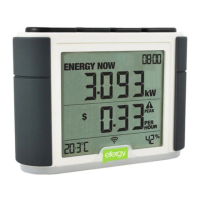
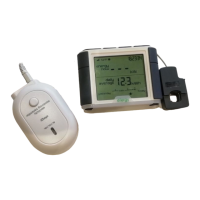
10. Wait while the driver is installed. 11. Click on OK.



 To Next Page