38
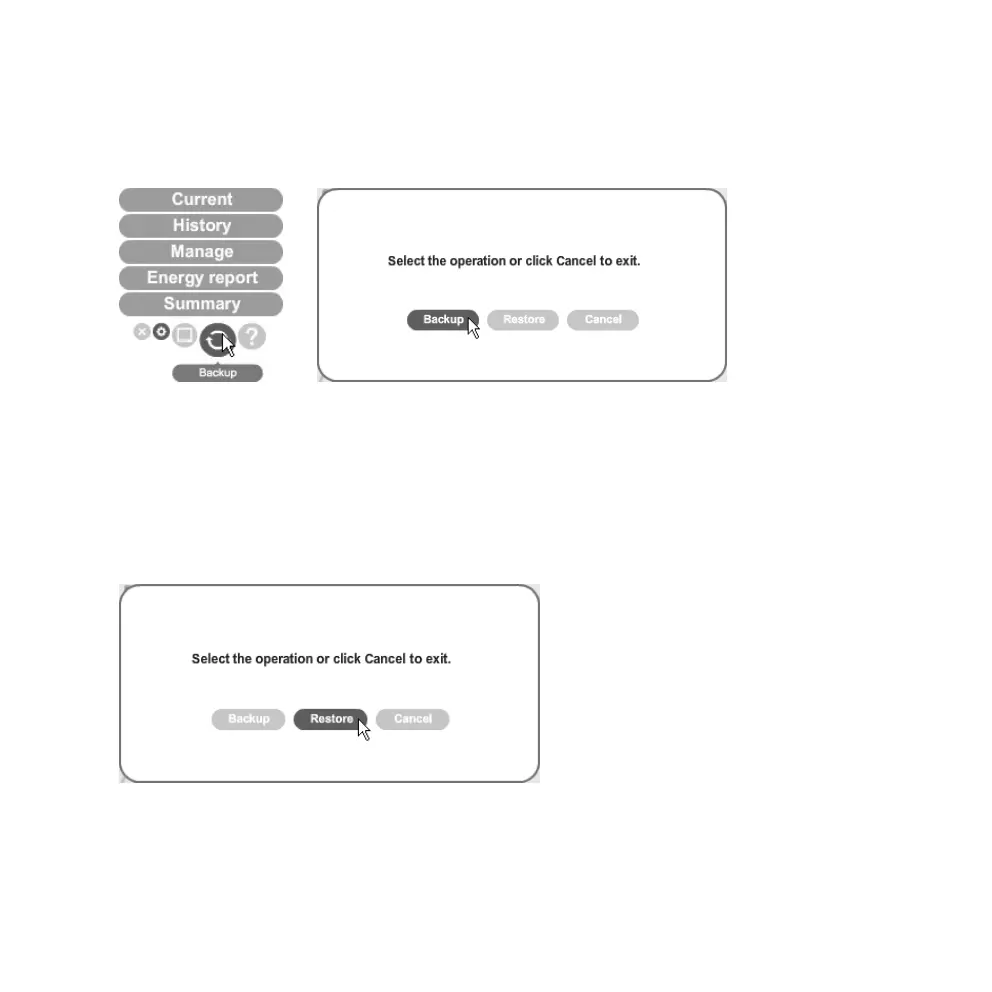
Step 6. Backup and Restore
Backup
1. Click on the backup symbol. Select Backup.
2. Click on Make New Folder.
3. Click on OK to save.
4. “Data backup successful” appears. Click on OK to complete this procedure.
Restore
1. Click on the backup symbol. Select Restore.
2. Select the folder containing the backup files. Click on OK.
3. “Data restore successful. Please quit and restart eLink” will appear when finished. Click on
OK to complete this procedure.



 To Next Page