USV MT3200 Instruction manual
MT Series
Page 23 of 36
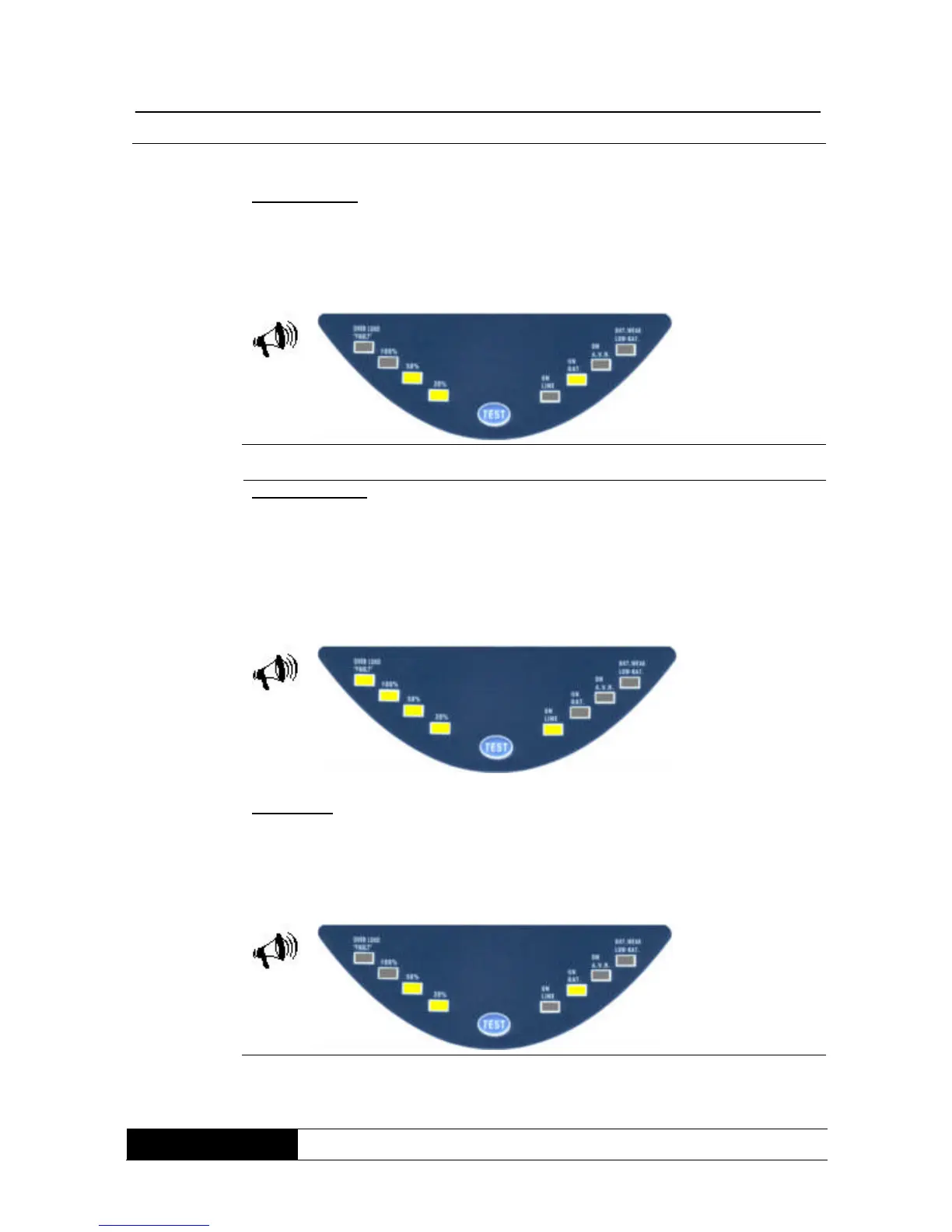
Support mode:
If the mains power fails, the UPS immediately switches to support mode.
Display/alarm signal: support mode is indicated by the illumination of the “ON
Bat” display and the load at the output (here 50% by way of example).
Sequence (A) is used as the audible alarm signal.
Overload mode:
If the UPS output is overloaded, the UPS switches off after a short time interval
(approx. 20 seconds). The UPS switches off immediately in the event of a short
circuit on the output side.
Display/alarm signal: overload mode is indicated by illumination of the 100%
output load indicator. Sequence (C) is used as the audible alarm signal. In
addition, the “ON Line” indicator here shows available mains power.
Test mode:
If the UPS is in on-line mode, test mode can be initiated by pressing the “TEST”
button.
Display/alarm signal: the display (including the alarm signal) is the same as in
support mode, although mains power is available.



 To Next Page