Printer Setup
Document ID: OMM-00174 Rev. D Pro 30f Operations Guide 42
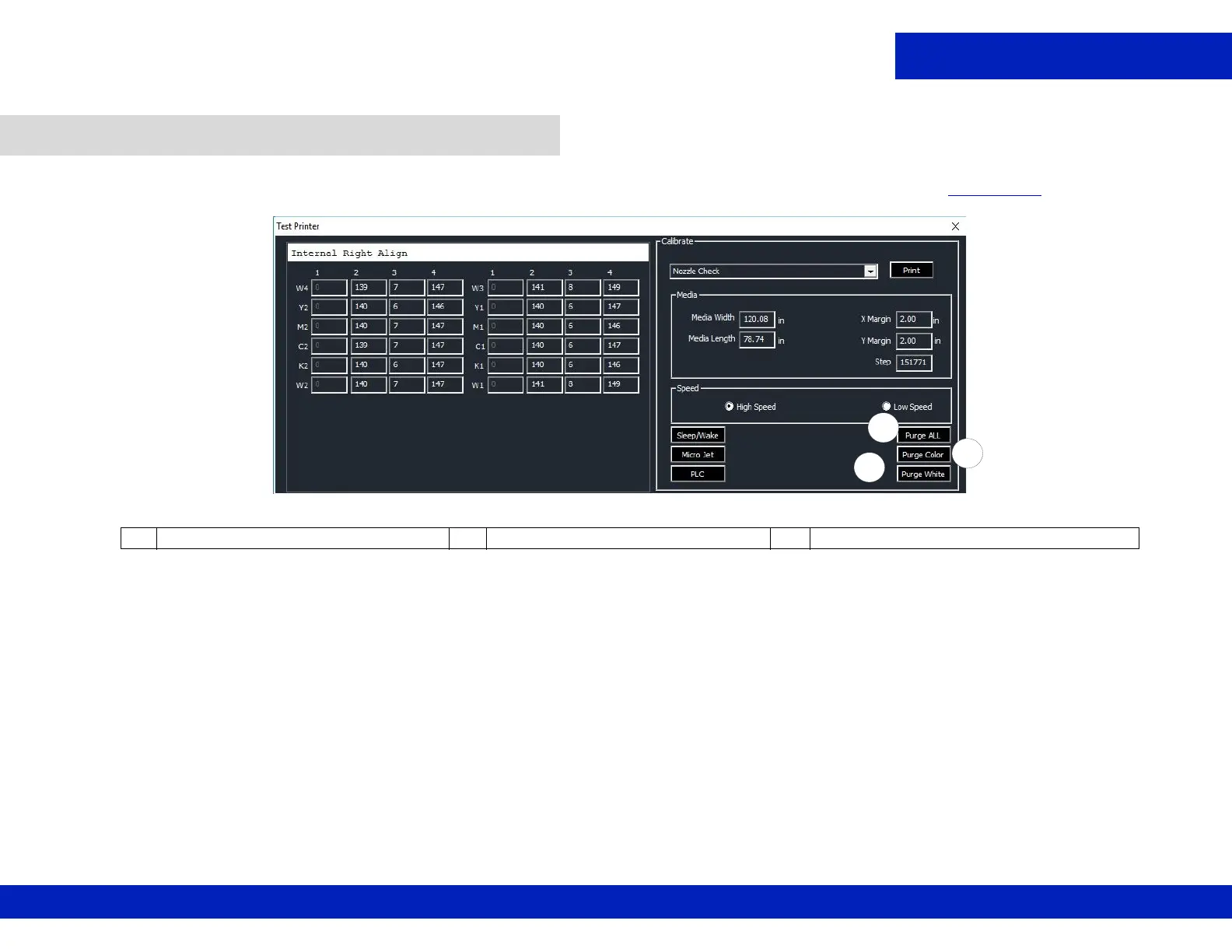
1. From the MOTION tab on the GUI, purge white print heads, CMYK print heads, or all colors, as shown in Figure 5-16. A sweep is also
performed.
5.3 Purge and Sweep Print Heads
Figure 5-16 GUI Purge Buttons
A Purge and Sweep All Print Heads B Purge and Sweep CMYK Ink Only C Purge and Sweep White Print Heads
C
A
B



 To Next Page