Hardware Overview
Document ID: OMM-00174 Rev. D Pro 30f Operations Guide 14
The following sections cover the main printer components and features.
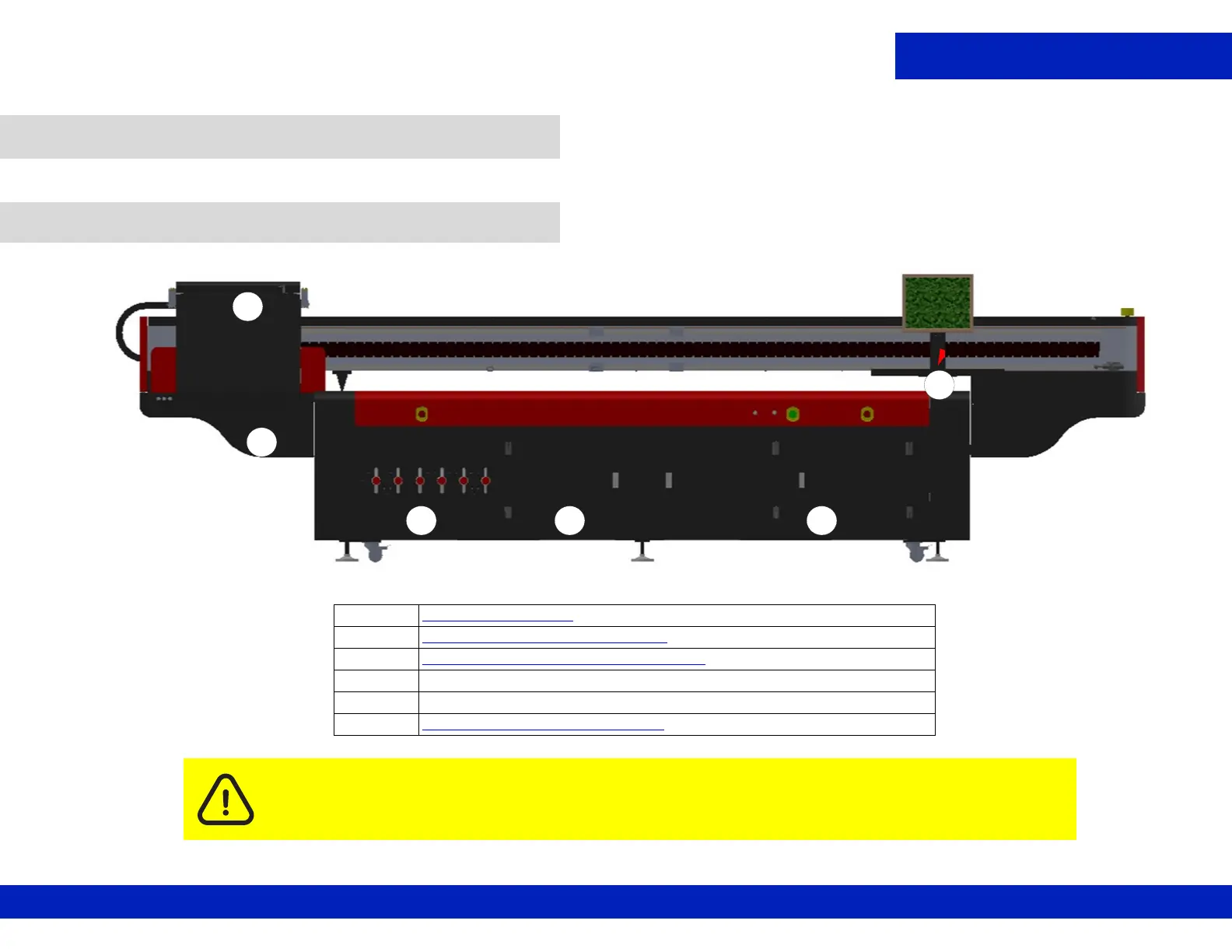
This section illustrates the access panels and shields located on the front of the printer.
3.0 Hardware Overview
3.1 Front Access
Caution: Keep all safety interlocks, covers, and guards in place and in working order. Do not
operate the printer with covers or guards removed or malfunctioning interlocks.
C
A
D E
B
Figure 3-1 : Printer Front Access .
A Carriage Assembly
B Sweep Tray and Vacuum Knife
C Table Vacuum Adjustment Controls
D Access to Waste Vacuum
E Electrical Control Cabinet
F Operator Station Components
- Monitor, Keyboard, Mouse
F



 To Next Page