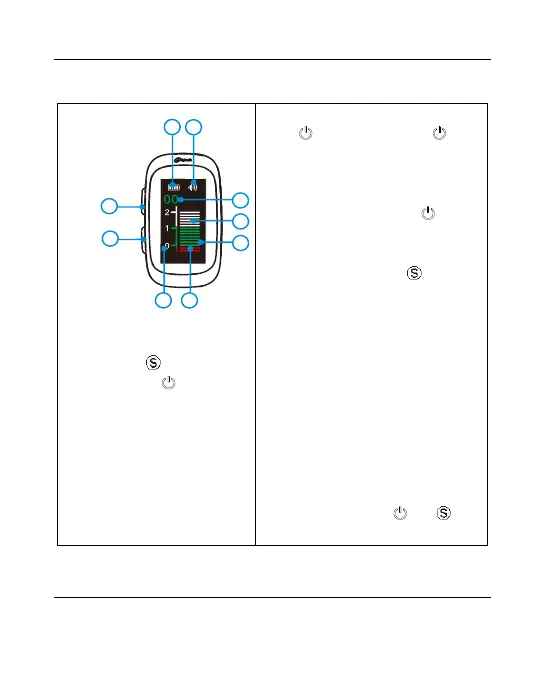
5.Use Interface
Press to turn on. Long press more
than 2 seconds, or no operation for 3 minutes to
turn off.
Volume control
During standby state, shot press to cycle
the volume through the minor to the maximum.
Setting the reference point
During standby state, press to set the
reference point between 0~1. Seven points can
be selected circularly. The cursor flashing
position indicates the selected reference point.
Power display
Display the remaining power through the
number of grid.
Reference range
The flash of the measuring bar is the current
measured vale, represents the estimated
distance from the apical foramen in millimeters.
Display reversing
During standby state, press and
together to reverse the display.















 To Next Page