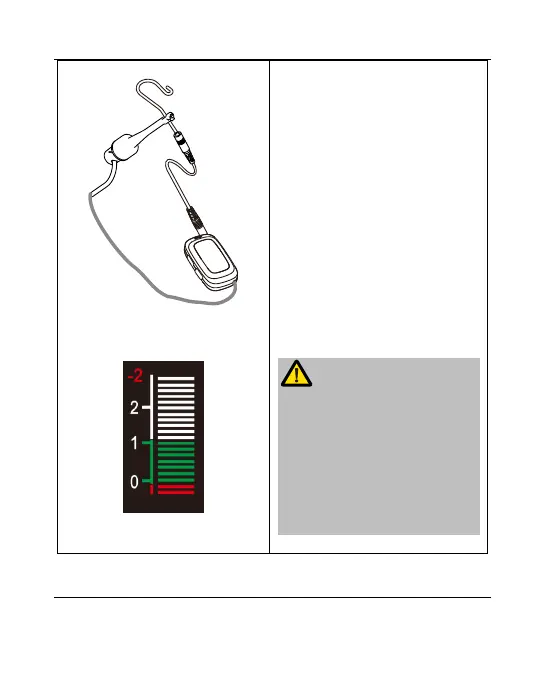
Confirm the device with short
touch file clip and lip hook
before.
Confirm that the tester is not
installed on the APEX locator.
Then connect the file clip, lip
hook and extension cord
according to chapter 5.1.
Finally, touch the lip hook with
exposed metal position on file
clip, the measurement on the
screen should be shown as -
2.
If the measurement shown is not -
2, check that the connection is
normal. If the normal connection
still does not show the expected
value, please stop using the
device and contact the local dealer
for processing.















 To Next Page