- 9 -
Phillips Head Screwdriver
PREPARING THE WATER BLOCK FOR INSTALLATION
STEP 1
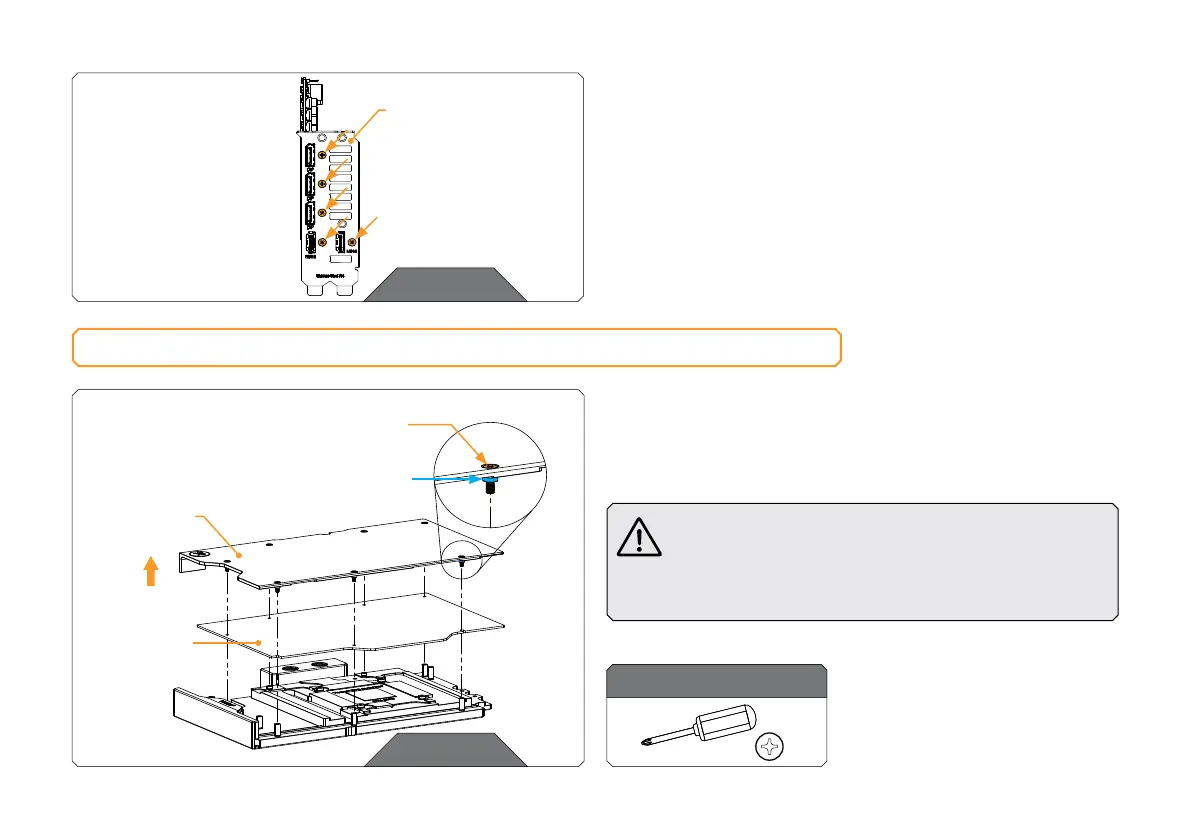
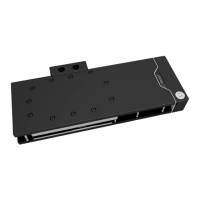
Unscrew seven (7) Screws AX1 M2.5 x 8 mm. Remove the backplate
together with the Screws and backplate standoffs. Standoffs must stay
on Screws AX1 M2.5 x 8 mm. Remove the PCB cardboard. Save the
removed parts for later steps.
Do not remove standoffs from screws! In case the
standoff detaches from the screw, replace it with a
spare one. When replacing the standoff make sure
that you screw it on the AX1 M2.5 x 8 screws. Do not
push the standoff onto the screw AX1 M2.5 x 8 mm.
STEP 1
For this step, you will need:
BACK PL ATE
M2.5 x 8 AX1
BACK PL ATE S TA ND OF F
DO NOT REMOVE
STANDOFFS
FROM SCREWS!
PCB
CARDBOARD
STEP 5
Lastly, unscrew five (5) Screws and detach the I/O Bracket (using
Phillips head screwdriver).
EK provides the replacement I/O Bracket with the water block.
STEP 5
I/O BRACKET







 To Next Page