- 18 -
For this step, you will need:
Phillips Head Screwdriver
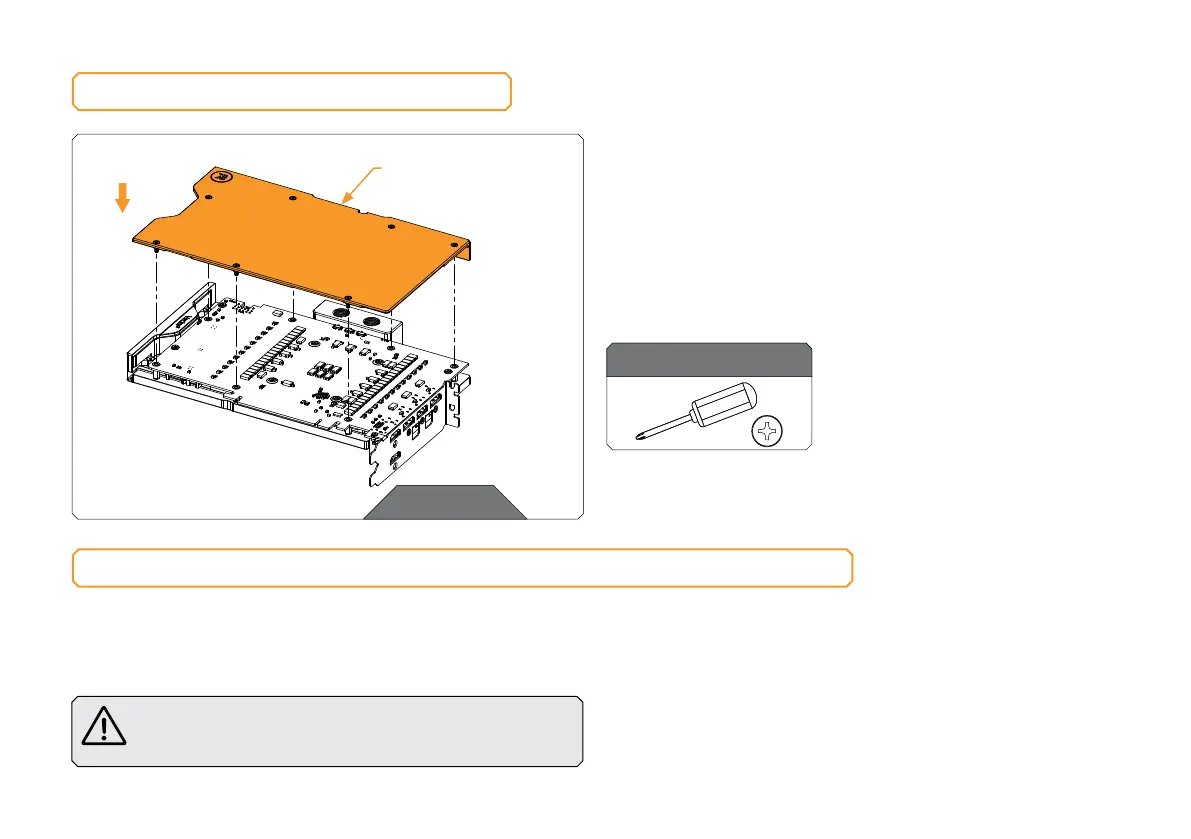
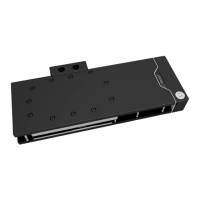
ATTACHING THE BACKPLATE
STEP 1
STEP 1
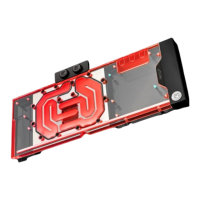
Position the Backplate (including screws and standoffs) onto
the GPU PCB. Make sure all the holes are aligned. Tighten the
screws evenly.
Before attaching the backplate, make sure all the Thermal Pads
are placed correctly!
Do not use excessive force!
INSERTING THE GRAPHICS CARD INTO THE CHASSIS
Carefully lift your graphics card with the installed water block and
insert it into your PC’s motherboard PCI Express expansion slot.
Please keep in mind that your graphics card is heavier than before it
was equipped with the water block.
You need to be very careful when handling the graphics
card. Avoid all unnecessary manipulation of the water block
assembly that might damage your card or water block.
BACK PL ATE







 To Next Page