Section 4 - Page 1 of 8
3121-9001-0167_EN.03.00_QT_Manual 04/2016
Preparing to Run a Test
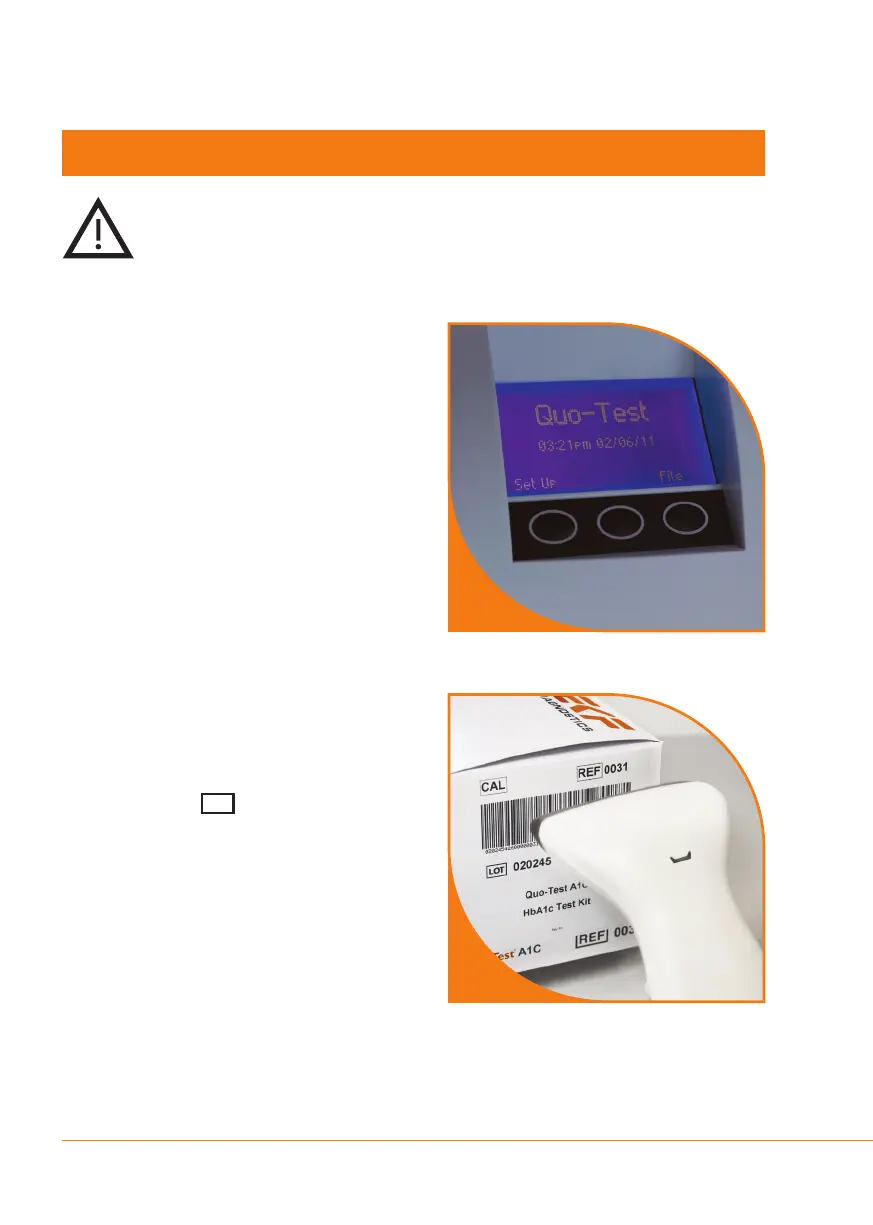
Step 1
When the Quo-Test Analyzer
displays the home screen
with ‘Quo-Test’, the time and
date, the analyzer is ready
to run a test.
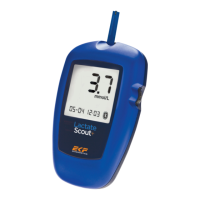
Step 2
Before using a new lot of test cartridges,
scan the calibration barcode that is
printed on the inner ap of the carton,
indicated by the symbol.
Placethebarcodescanneroverthe
calibration barcode and press the
barcode scanner button until you hear
a beep. The analyzer will conrm that
the data has been accepted, along with
displaying the lot number and expiry
date.
Section 4 Running a Test
2
1
Please read the Instructions For Use supplied with your Test
Cartridges.
Always use protective gloves when handling blood samples.
CAL


 To Next Page