Section 3 - Page 2 of 6
3121-9001-0167_EN.03.00_QT_Manual 04/2016
When the analyzer is rst switched on, you must set the local language, time, date,
ID options and reported units before you perform a test. You only need to do this
once.
The analyzer should be switched off at the mains supply or unplugged when not
required for long periods. Otherwise the analyzer should be left on, but must be
powered down and restarted once a week, to perform the self-check procedure.
Ensure that the analyzer is displaying the home screen before powering the system
down.
PressthebuttonlabelledSetuptostartthesetupprocess.
Setting the Language
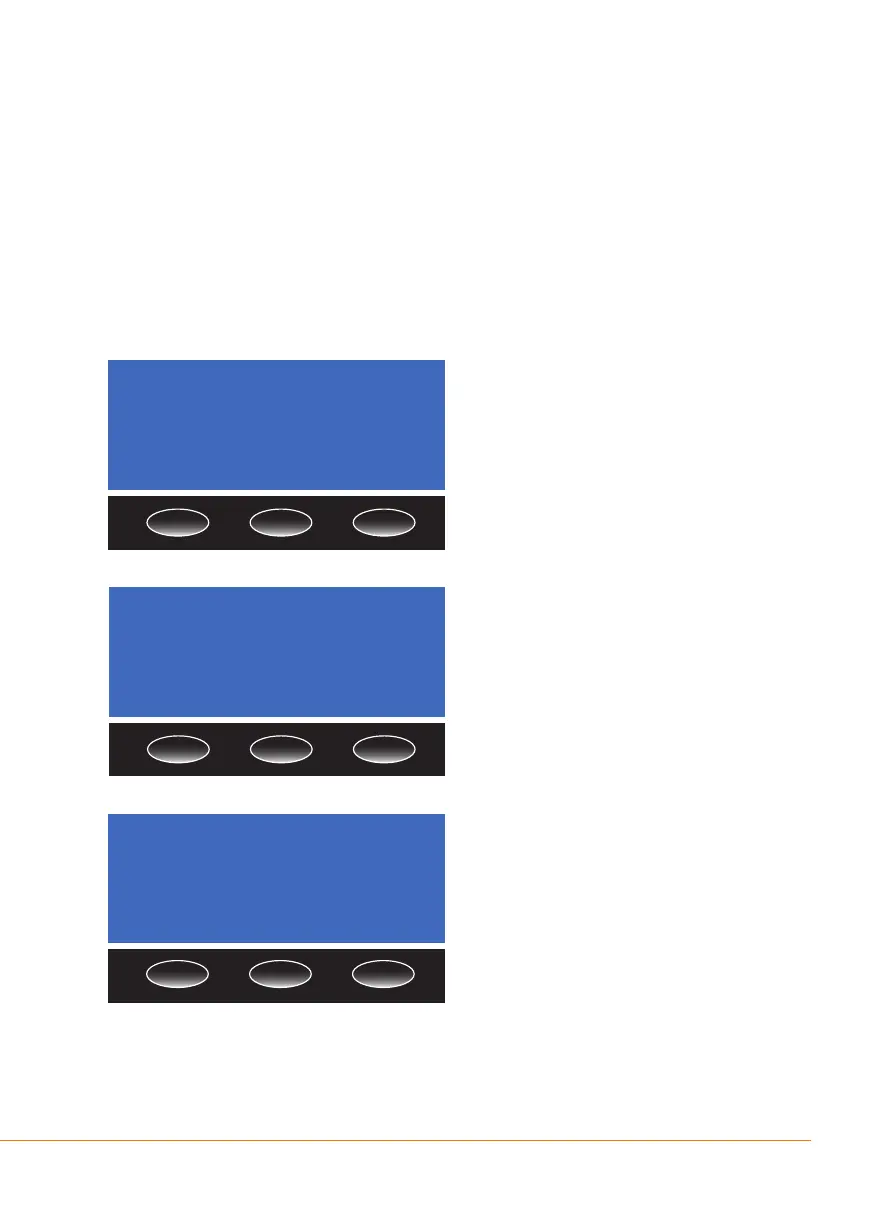
The default language for the analyzer
is English. To change to a different
language, press the Change button
and use the up/down arrow buttons to
select the required language from the
list.PresstheOK button to conrm the
selection.
Setting the Time
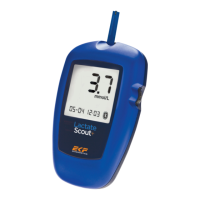
The analyzer has a clock that keeps track
of the date and time. Whenever a test is
performed, the result is recorded in the
analyzer memory with the date and time
that it was run. Choose Change on the
time screen to set the time.
Choose either the 24 hr or 12 hr clock
bypressingoneofthebuttons.Setthe
hours and minutes by using the up/
down arrowbuttons.PressOK when
correct.
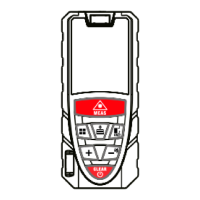
If the12 hr clock is selected, then set
eitheramorpm.PressOK to conrm
the settings.
The time will then be displayed. Either
press the OK button to move on to
setting the date, see next section, or
press the Change button to go back
to setting the time.
Time
11:32
24 hr
Change
Hour
11:32
OK pmam
Language
English
OK
Change


 To Next Page