Section 4 - Page 5 of 8
3121-9001-0167_EN.03.00_QT_Manual 04/2016
Scanning Operator and
Patient ID
IftheOperatorand/orPatientIDfeatures
are enabled (see section 3), when the
analyzer door is closed to start the test the
screen will request that the user scans the
Operatorand/orPatientID,depending
upon which features have been activiated
in the analyzer setup.
Pleasenotethatwhenusingthesystemin
QC mode the system will only request the
operator ID to be scanned, as the system
automaticallyusesthePatientIDforthe
Control Lot number.
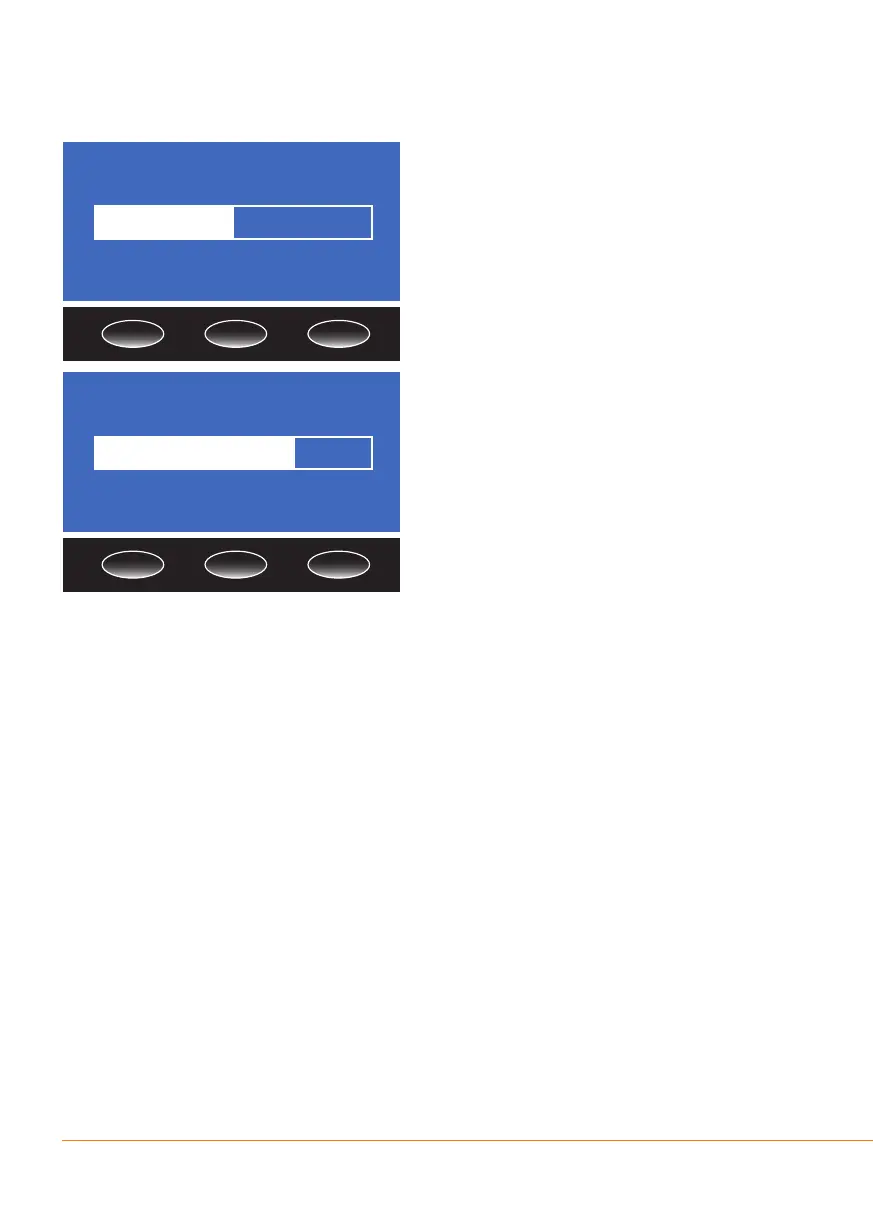
Whenrequestedtoscanthe‘ID’,place
the barcode scanner over the Operator or
PatientIDbarcodeandpressthebarcode
scanner button.
When the analyzer has recorded the barcocde a beep will sound and the ID is
displayed on the screen. Conrm the displayed ID matches the barcode scanned. If
youdonothaveanOperatororPatientIDbarcodelabelavailable,presstheSkip
button to exit the screen. The test result will not be displayed until the requested ID’s
have been scanned or the screens have been exited. If an error occurs, the analyzer
willaborttherequesttoscantheOperatorand/orPatientIDifnotalreadycompleted.
Scan Operator ID
Skip
Scan Patient ID
Skip


 To Next Page