MEDIBURN30 21 D-115 Rev 010
www.elastec.com
PROBLEM CAUSE SOLUTION
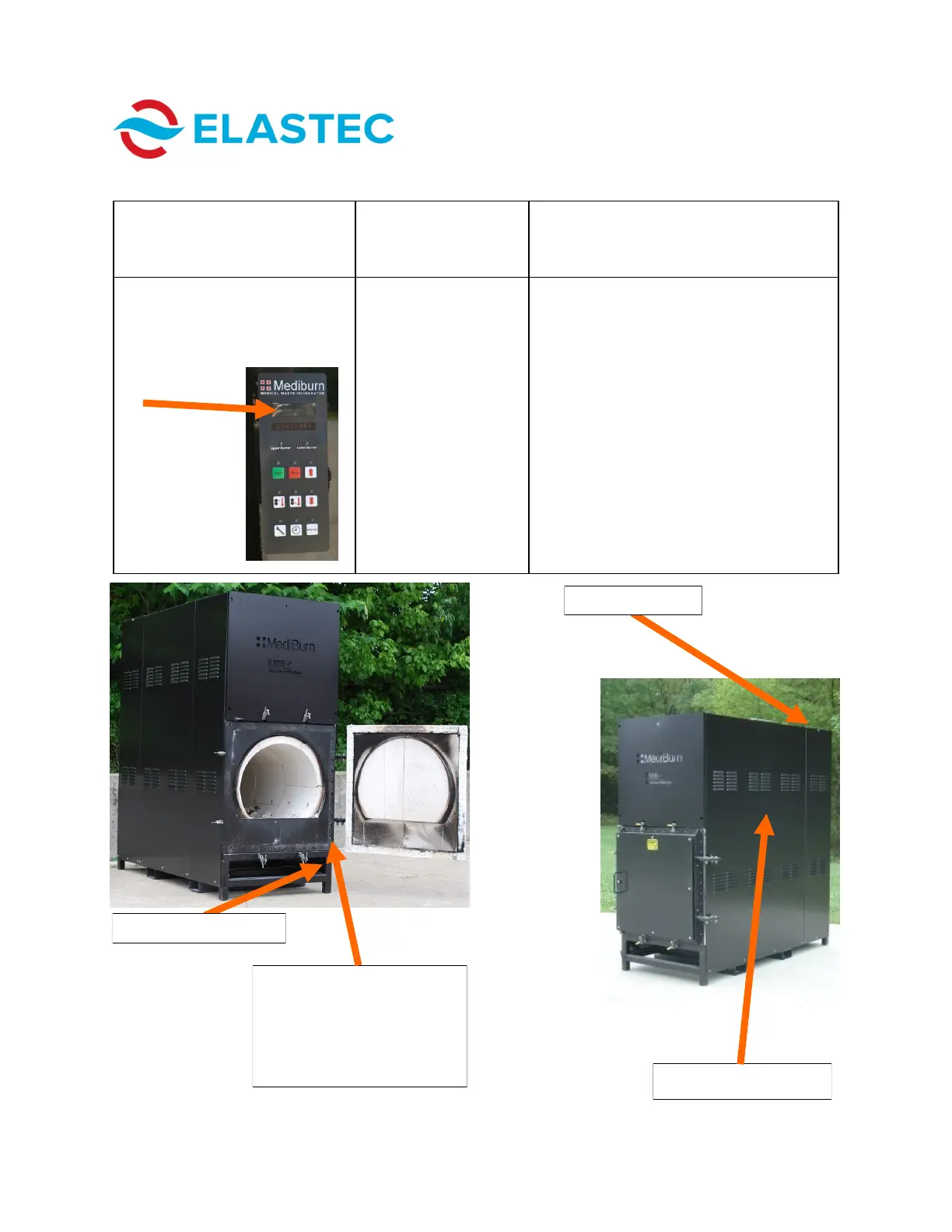
The message on the control
box (at location noted by arrow,
below) indicates that the door is
open when the door is actually
closed.
The switch is faulty and
should be replaced.
In order to access the door sensor switch
and junction box, remove the three bolts
securing the doghouse roof (photo below,
left) to the doghouse panels. Remove the
doghouse roof. Unbolt and remove the
panel on the right side of the unit (as you
face the door). Unbolt the Z-channel. Re-
move the side shield. The door switch and
junction box will be visible. Use a Phillips
screwdriver, slotted (flat) screwdriver, 3/8”
wrench and 7/16” wrench (not included) to
remove the switch and junction box (shown
in photo below, right). (Those items are
located on the side of the unit without the
lock rod.)
TROUBLESHOOTING GUIDE
Removable side panel
Door sensor switch
(door must be opened in
order to view switch; side
panel must be removed in
order to access switch and
junction box)
Junction box location
Doghouse roof



 To Next Page