2. Operation Guide
2.1 Begin Programming
2.1.1 Record Enable
2.1.2 Security for Your Programs
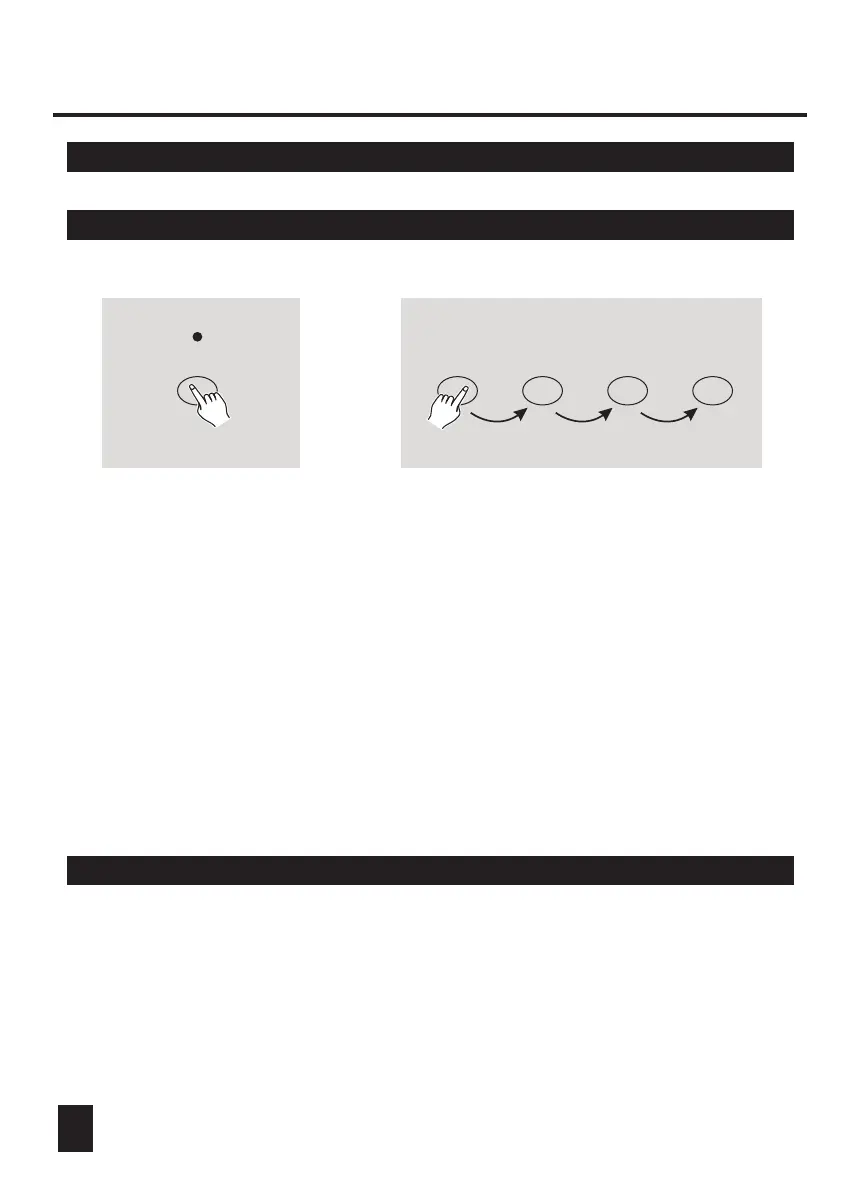
RECORD
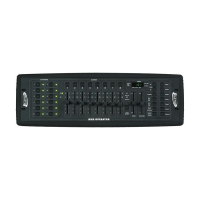
1. Press and hold down the Record button.
2. While holding down the Record button, tap the Flash buttons 1, 6, 6 and 8
in sequence.
3. Release the Record button, the Record LED lights up, now you can begin
programming your chase patterns.
To protect your programs from any editing by others, you may change the
Record Code.
1 6 6 8
+
NOTE:
The first time you turn on your unit, the default setting of the Record Code is
Flash buttons 1, 6, 6 and 8.
You may change the Record Code to protect your programs.
1. Enter current Record Code(Flash buttons 1, 6, 6 and 8).
2. Press and hold down the Record and Edit buttons at a time.
7






 To Next Page