2. Operation Guide
2.3.2 Running a Program To Audio
2.3.3 Running a Program With the Speed Slider
AUDIO
AUDIO LEVEL
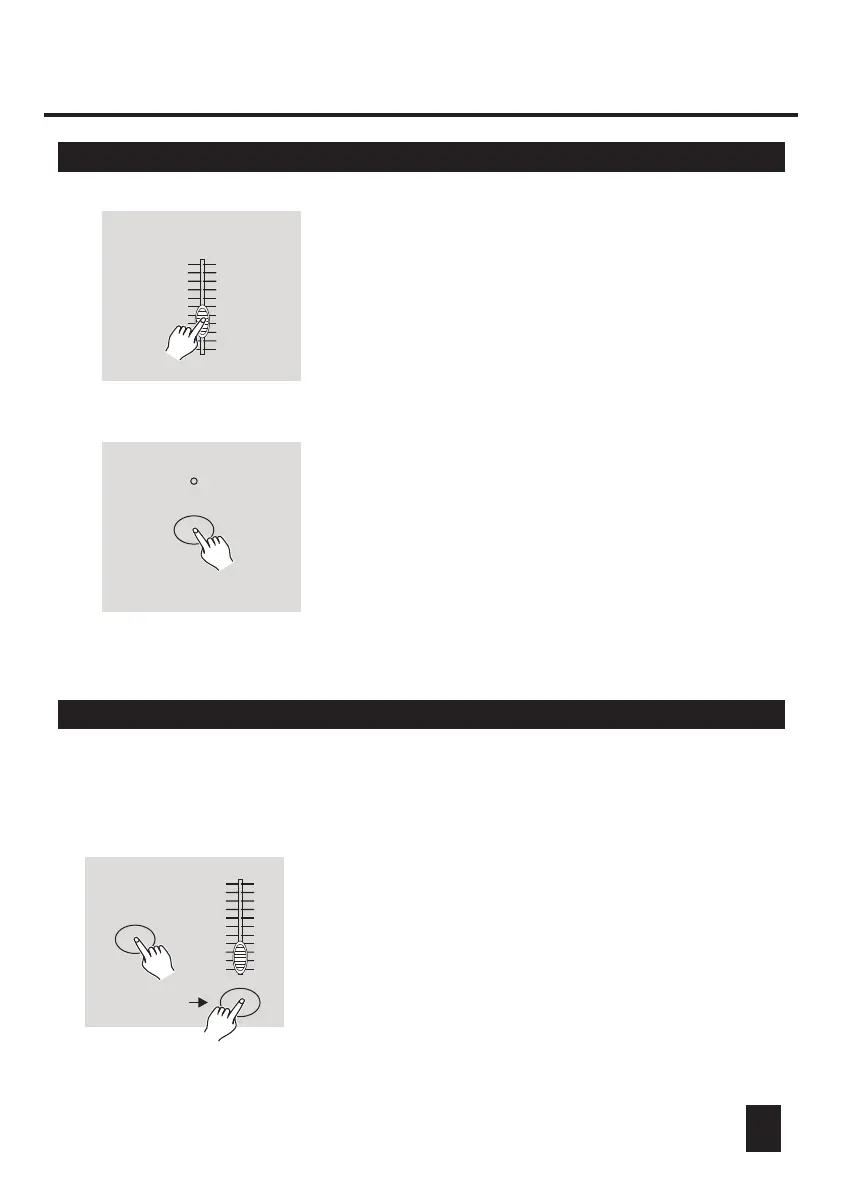
4. Use the Audio Level slider to adjust the music
sensitivity.
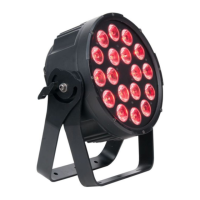
5. To return to normal mode, tap the Audio button
a second time causing its LED goes out, the
Audio mode is disengaged.
1. Be sure the Audio mode is disengaged, that
is, the Audio LED goes out.
2. Select your program as described above.
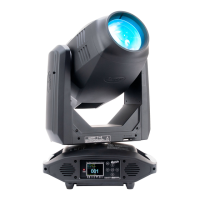
3. Move the Speed slider to the SHOW MODE
position(the bottom), then tap the Flash button
(13-24) while pressing and holding down the
Rec Speed button, the corresponding program
will not run with the Standard beat any longer.
20
REC SPEED
FLASH 13-24
10
8
6
4
2
0
10
8
6
4
2
0
10
8
6
4
2
0
10
8
6
4
2
0



 To Next Page