2. Operation Guide
2.3.1 Running Chase Programs
2.3.2 Running a Program To Audio
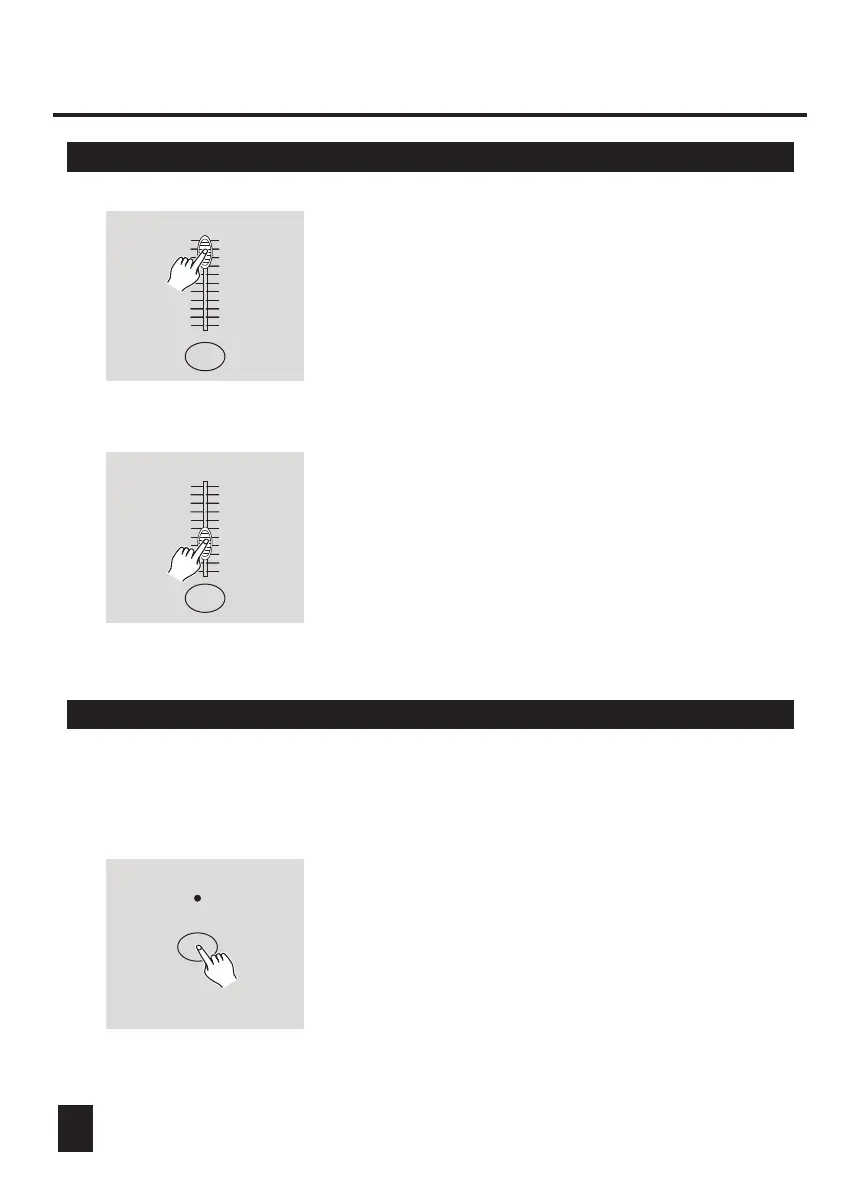
4. Move the desired Channel slider (13-24) to its
maximum position to trigger the program, and
the program will fade in depending upon current
fade time.
You may press and hold down the relevant Flash
button(13-24) to trigger the program.
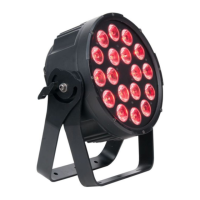
5. Move the Channel slider to adjust the output
of the current program.
1. Use built-in microphone or plug the audio source
into the RCA Audio jack.
2. Select your program as described above.
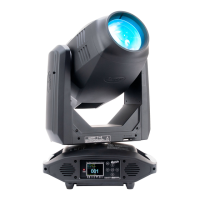
3. Tap the Audio button until its LED lights, indicating
Audio mode is active.
AUDIO
19
10
8
6
4
2
0
10
8
6
4
2
0
10
8
6
4
2
0
10
8
6
4
2
0
10
8
6
4
2
0
10
8
6
4
2
0




 To Next Page