28
3. MIDI Operation & DMX Channel Setup
3.8 Clear of DMX Channel Setup
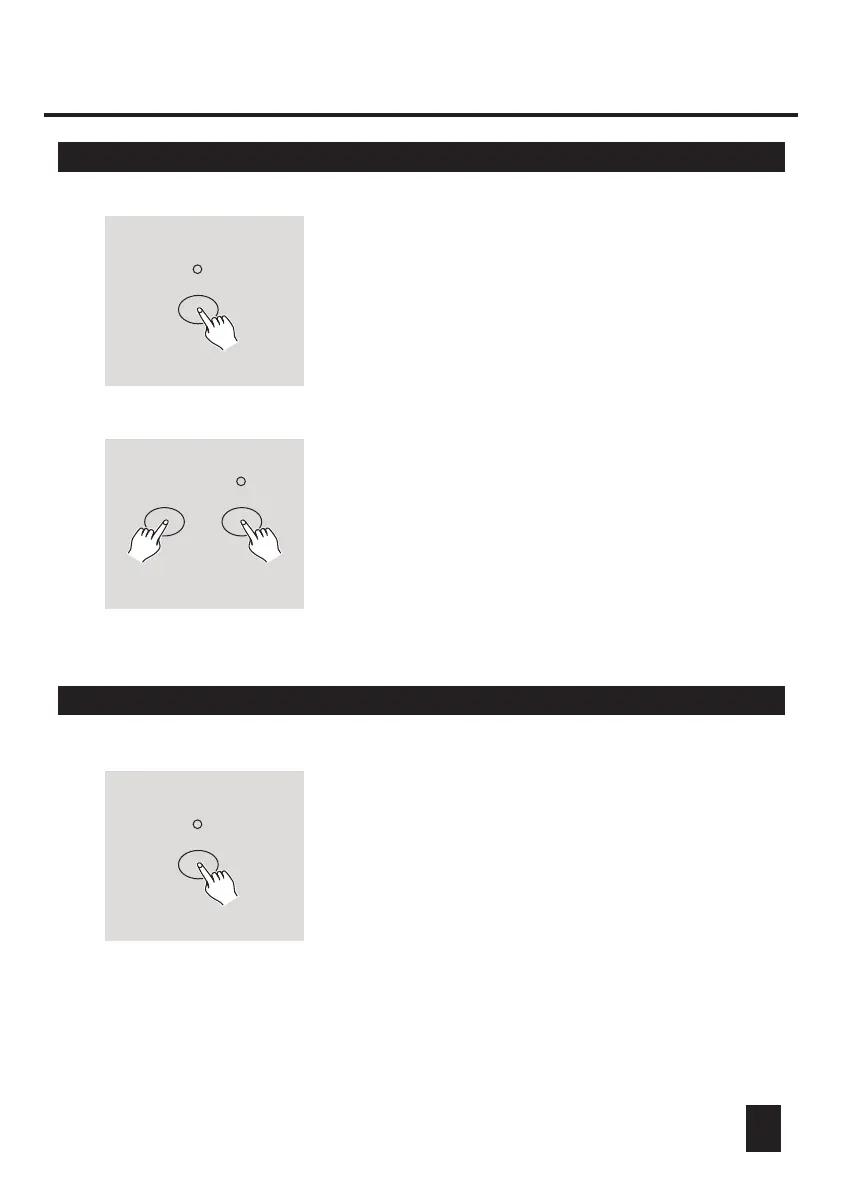
RECORD
RECORD
FLASH 7
2. Tapping Flash 7 button three times while holding
down Record button allows you to clear DMX
channel setup and resume DMX channel to factory
setting, i.e., 1-24 channel sequence.
3.9 Call 12 Pre-set Programs
RECORD
2. Tapping Flash 6, 6, 8 and 8 buttons in sequence
while holding down Record button allows you to
call 12 factory default programs of page 1. As a
result, all other programs will be cleared.
1. Be sure this unit has been in Record mode.
Press and hold down Record button.
1. Be sure this unit has been in Record mode.
Press and hold down Record button.



 To Next Page