27
3. MIDI Operation & DMX Channel Setup
3.7 DMX Channel Setup
RECORD
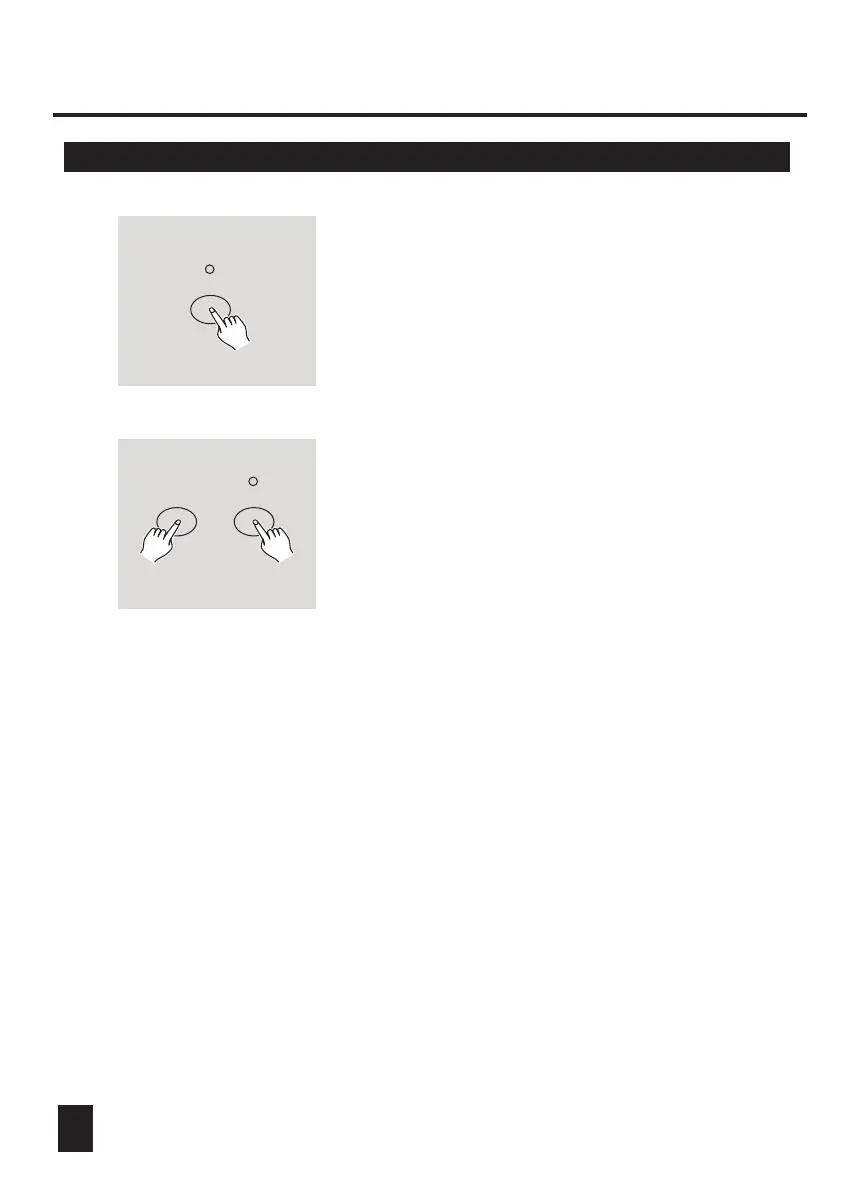
1. Be sure this unit has been in Record mode.
Press and hold down Record button.
RECORD
FLASH 6
2. Tapping Flash 6 button three times while holding
down Record button allows you to access DMX
channel setup. The Segment Display reads the
current DMX channel.
3. You can select DMX channel within 1-512 using Up
or Down button.
4. After you've selected DMX channel, press desired
Flash button within 1-24 so that console channel can
be assigned to selected DMX channel.
5. A tap of Full on button will give the current DMX
channel a full intensity output (255),as can be
indicated by all Flash 1-24 LEDs being lit.
A tap of Black out button will give the current DMX
channel a zero value, as can be indicated by all
Flash 1-24 LEDs being off.
6. Tap Exit button following holding down Record button
to leave this setup mode.



 To Next Page