- 10 -
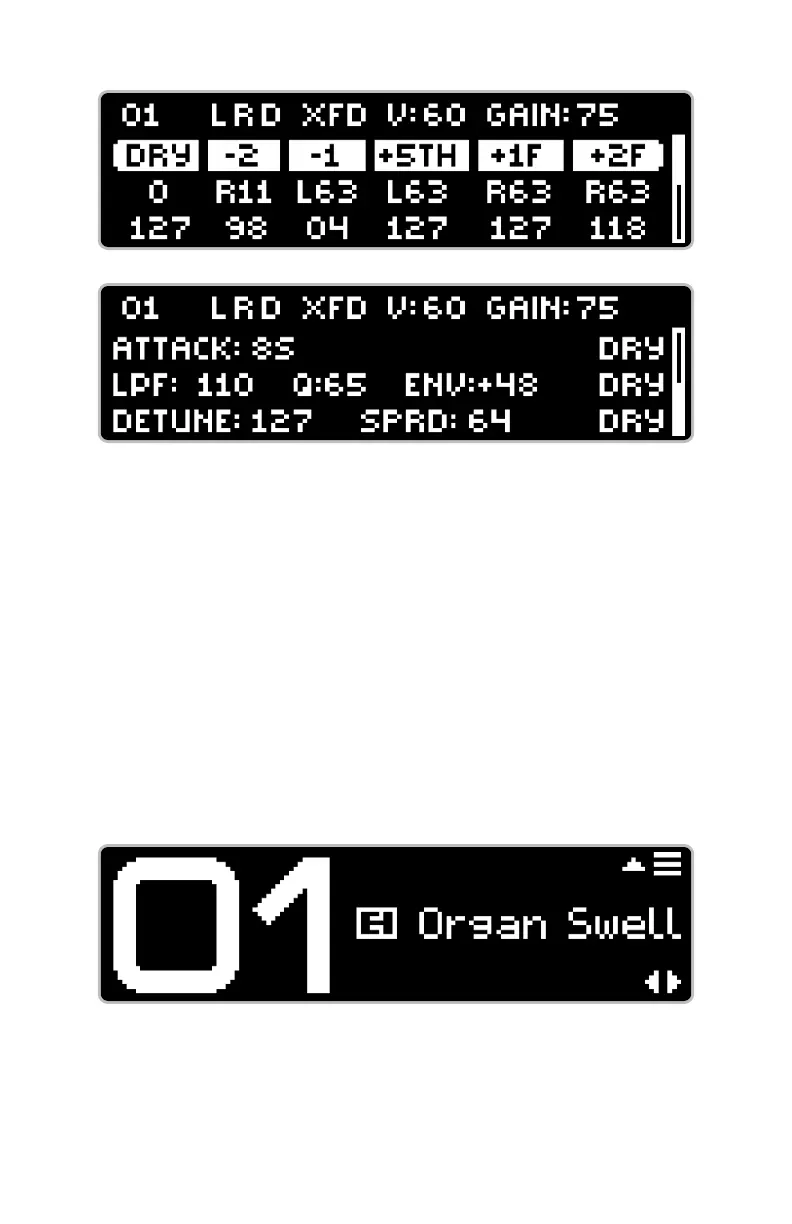
The second page of DATA View organizes ATTACK, FILTER, and DETUNE sections
into their own rows, with their associated controls in each row. When the
DRY signal is routed through any of these effects, a ‘DRY’ icon appears at
the end of the row.
The top line of both pages in DATA View shows the preset number, output
icons, expression mode icon—if expression is enabled, and values for
PERFORMANCE View
is well suited for performing live. Only the preset number and name are
displayed in large fonts.
Data View pages 1 (top) and 2 (bottom)
Performance View








 To Next Page