26
Something not Working
If the oven is not working correctly, please carry out the following checks, before contacting your local Service Centre.
IMPORTANT: If you call out an engineer to a fault listed below, or to repair a fault caused by incorrect use or installation,
a charge will be made even if the appliance is under guarantee.
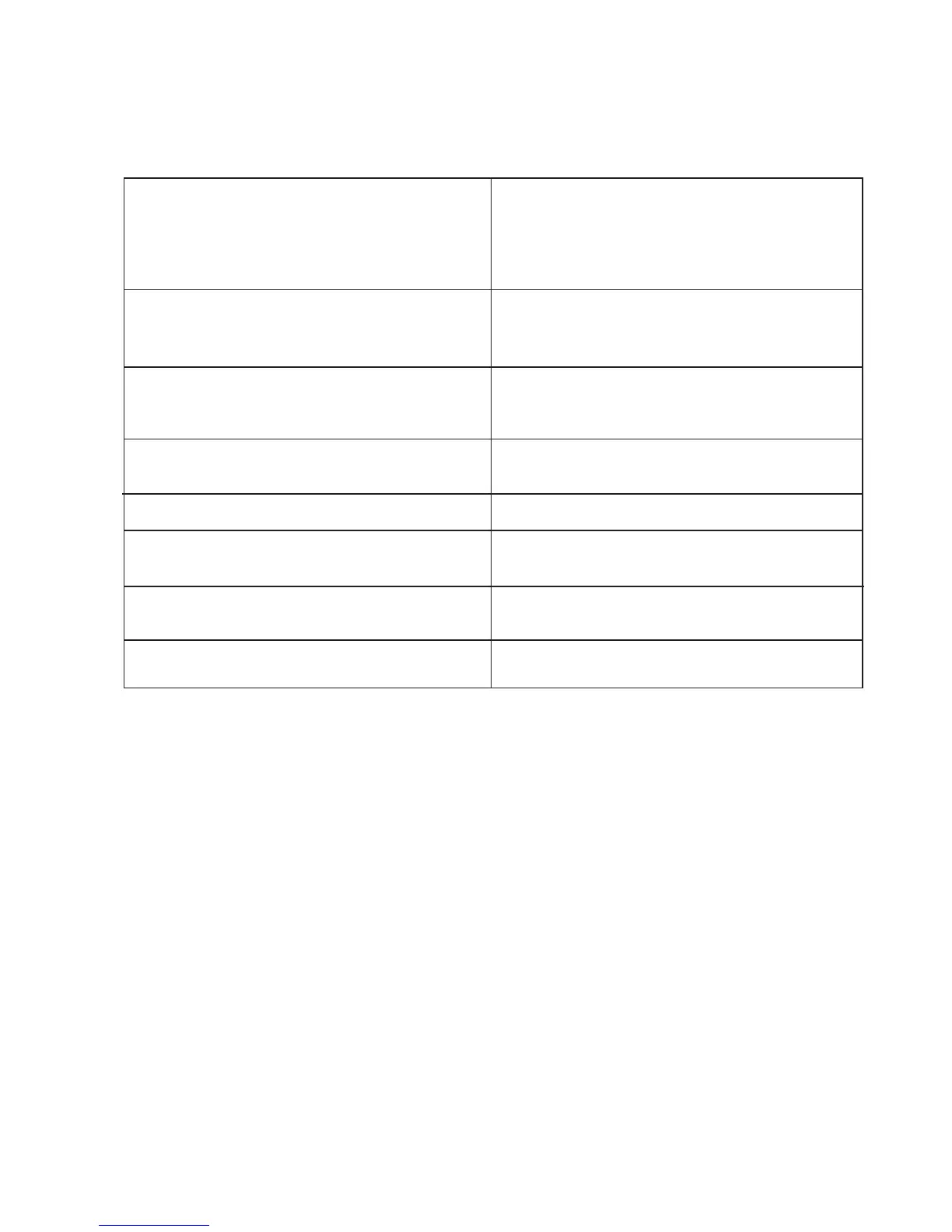
SYMPTOM
& The oven does not come on.
& The oven light does not come on.
& It takes too long to finish the dishes, or they are
cooked too fast.
& Steam and condensation settle on the food and the
oven cavity.
& The electronic programmer does not work.
& The oven fan is noisy.
& Error code (letter "F" followed by digits) appears on
the control panel.
& The display shows "12.00".
SOLUTION
' Press the OVEN ON button, then select a cooking
function.
' Check the fuse and ensure the socket switch or the
switch from the mains supply to the oven are ON.
' Switch on the oven using push button 1.
' Check the light bulb, and replace it if necessary (see
"Replacing the Oven Light")
' The temperature may need adjusting
' Refer to the cooking function sections and to any
cooking chart provided
' Leave dishes inside the oven no longer than 15-20
minutes after the cooking is completed.
' Check the instructions for the electronic programmer.
' Check that shelves and bakeware are not vibrating in
contact with the oven back panel.
' Take note of the error code and contact an authorised
Service Centre.
' Set the time of day (see chapter "To set the Correct
Time of Day").



 To Next Page