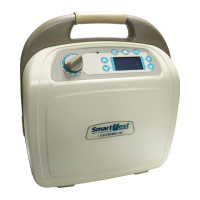
SmartVest
SQL
Airway Clearance System
www.smartvest.com
13
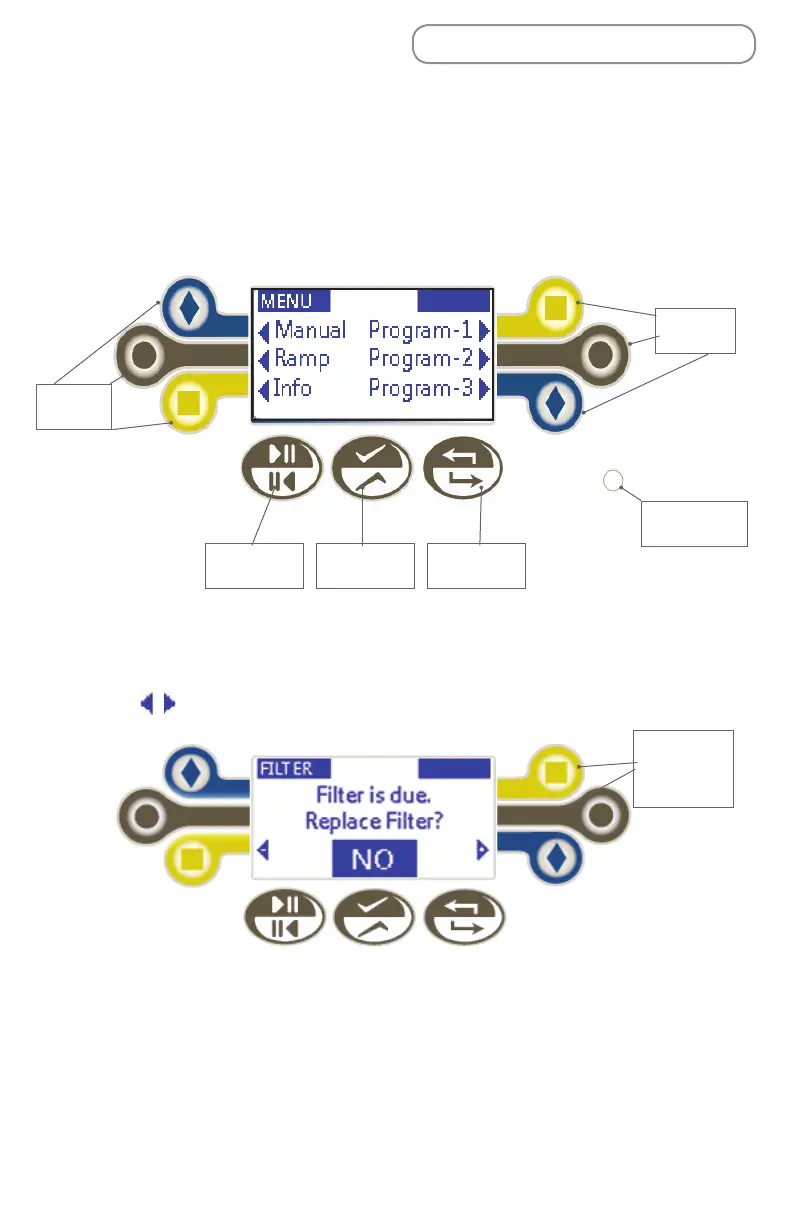
Display and Control Panel Elements:
•Selection buttons: Press these buttons to select an operating mode (manual,
program, or ramp), increase or decrease a setting, or to choose a yes/no option.
Note: The are only visible if the button next to it can be selected.
• Start/Pause: Press this button to start, stop, or resume a treatment protocol.
• Set: Press this button to store the displayed values.
• Return to Home: Press this button to return to the main screen.
• Power Indicator Light: This light is visible when the generator is powered on.
SQL Air Pulse Generator
Display and Control Panel Overview
All treatment sessions begin from the Home display of the generator. From
Home, you can select an operating mode (Manual, Program (1-3), or Ramp) or
learn about System information (Info).
Return to
Home
SetStart/Pause
Power
Indicator Light
Selection
Buttons
Selection
Buttons
No option
available
- inactive
buttons


 To Next Page