www.smartvest.com
SmartVest
SQL
Airway Clearance System
22
SQL Air Pulse Generator
Setting Save
Use this setting to perform a backup of your system that can later be restored, if
needed.
Steps:
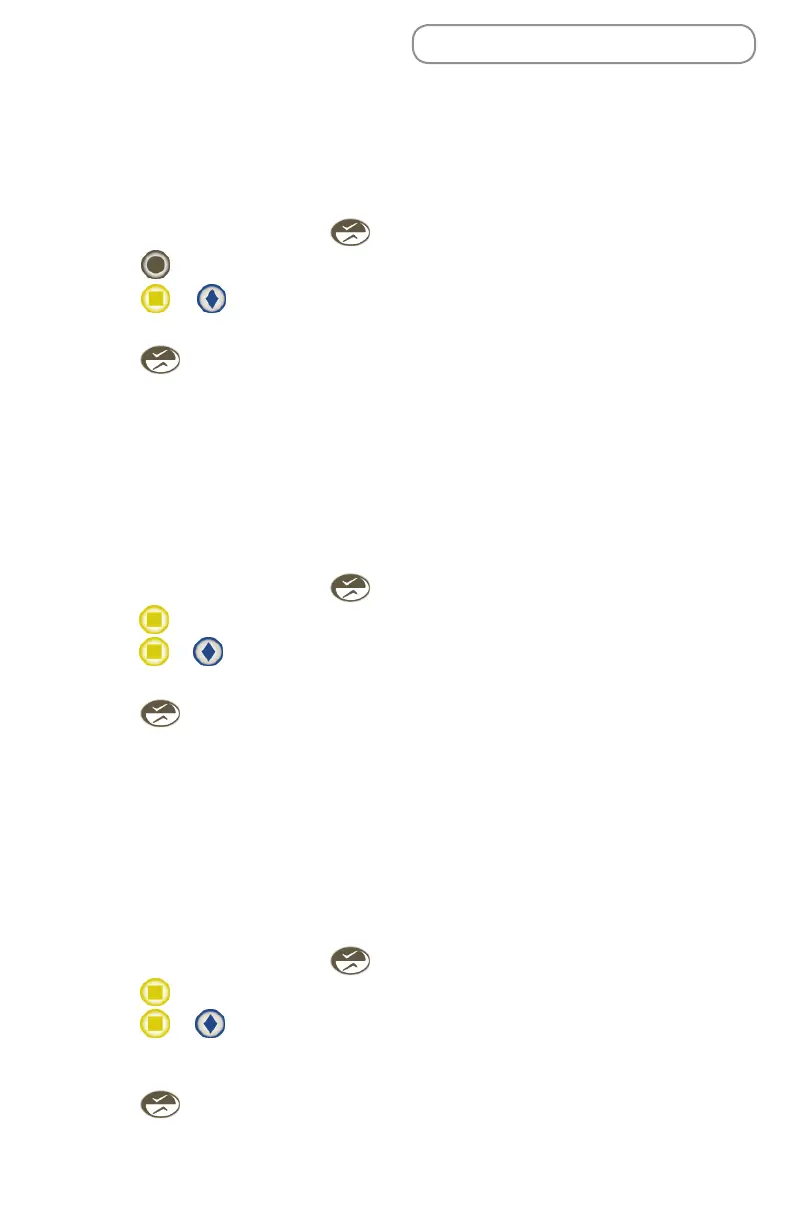
1. From the Home screen, press .
2. Press next to Save.
3. Press or to Save the treatment protocol for all operating modes.
The default is No.
4. Press to save the setting and return to the Set menu.
Setting Restore
Use this setting to restore a previously saved version of your system. This is helpful if
you’ve made a number of changes and need to start over. You may find its easier to
go back to protocols you know were set up properly versus manually adjusting each
setting.
Steps:
1. From the Home screen, press .
2. Press next to Restore.
3. Press or to Restore the previously saved system backup.
The default is No.
4. Press to save the setting and return to the Set menu.
Setting Filter
The System reminds you when a filter change is due and gives you a chance to
replace the filter at that time (see Replacing a Filter). You can bypass this reminder
and the System will warn you again when it is restarted. Follow these steps if you
want to change the filter early without waiting for the “Filter Hours Left” to reach 0
(see Checking System Info).
Steps:
1. From the Home screen, press .
2. Press next to Filter.
3. Press or to confirm you want to reset the System “Filter Hours Left”
(see Checking System Info) to 200 hours. The default is No. At this point you
would also change the filter (see Replacing a Filter).
4. Press to save the setting and return to the Set menu.


 To Next Page