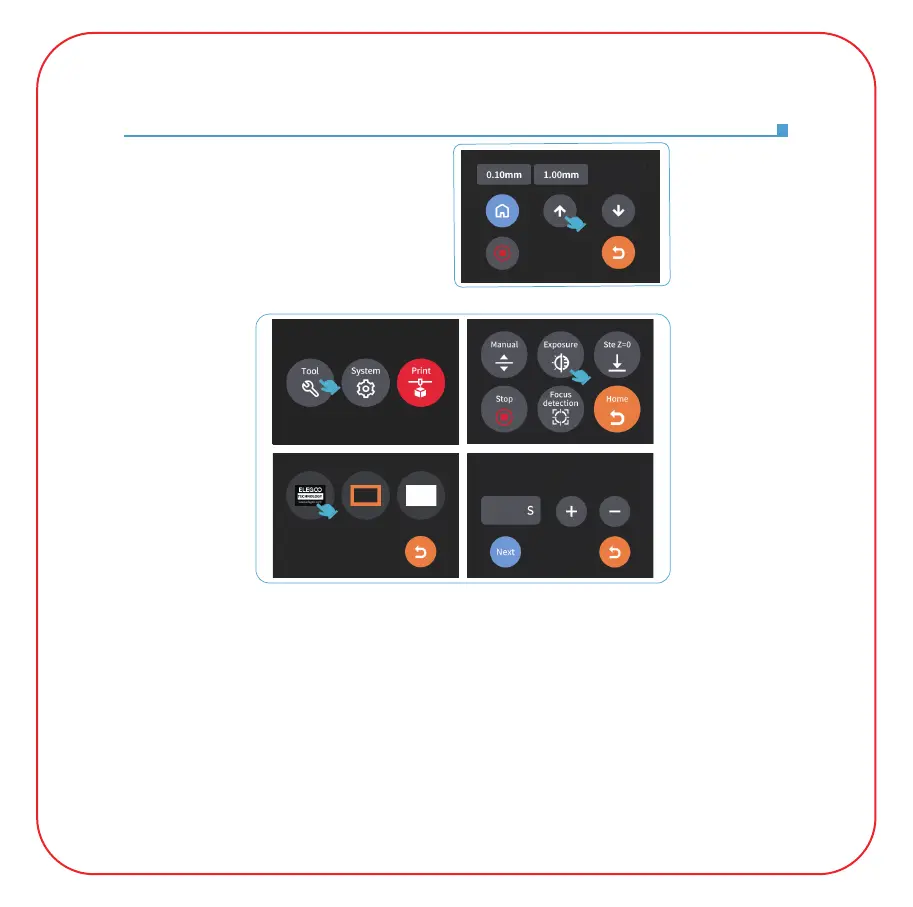
7.Press "10mm", then press "up"
for 10 times, and the Z axis will go
up about 100mm. (See Picture 7)
(Picture 7)
(Picture 8)
8. Press "Tool" - "Exposure" - "Select Image" - "Next" to test the projector.
(See Picture 8)
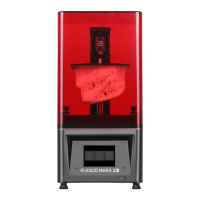
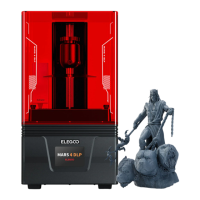
On the tempered glass of the MARS 4 DLP printer, the first image, can fully expose the
pattern of "ELEGOO TECHNOLOGY www.elegoo.com"; the second image, can fully
expose the "square frame" pattern; the third image, can perform full-screen exposure
(can be used to clean the resin tank). If the above image can be exposed normally, the
projector is in normal working condition.
9. A slight difference in brightness at different positions during exposure is normal and
will not affect the printing results.
Attention: Do not stare at the tempered glass or screen during exposure, so as not to
affect your eyesight.
15
10.00mm
15
15
Please set the exposure time of the test image



 To Next Page