9
Page
WiFi DEVICE CONTROL INSTRUCTIONS
WiFi control is available on the Element, Landscape and
Element DS range of space heaters. WiFi control offers
a temperature feature which can be used in conjunction
with the supplied remote control or as the independent
control. Multiple devices can control the appliance.
The appliance will operate based on its last received
command.
Note 1 – Multiple devices may be connected to the
appliance, only one appliance can be controlled by a
device at a time.
Note 2 – The room air temperature sensing device
is located in the remote, accuracy of the temperature
sensing may be effected by the room layout, appliance
installation and nearby furniture.
Note: The programming function is only done via the
remote control.
Introduction
These pages outline the Operation of the Real Flame MKII
Thermostat system. The System Includes
1. Real Flame Modulating Valve MKII update
2. Real Flame WiFi Interface MKII
3. Real Flame Thermostat MKII App
4. Real Flame MKII Web Service
These instructions assume that the Modulating valve has
been installed into a fireplace with the WiFi module
connected.
WiFi Set-up
From Factory settings the Fireplace will broadcast an
Access Point for the Mobile App to join with, the Access
point names have the following format,
Realflame_XXXXXX
Where ‘XXXXXX’ is the last six digits of the WiFi modules
MAC addresses, the Access point is secured with the
default password ‘realflame’
Joining the access point in this mode will allow you to,
1. Control the Fireplace via its own WiFi Access point,
and is good for Demo and testing functionality
2. Push the Fireplace to a local or home network, this
allows you to control the Fireplace whilst also being
able to use your local network resource such as
Internet, email and Facebook.
3. This mode is required to utilise the Server control
features of the Fireplace.
Connecting to the fire through an access
point
(eg: Phone or device directly connected to fire using
phone or Device WiFi)
Step 1
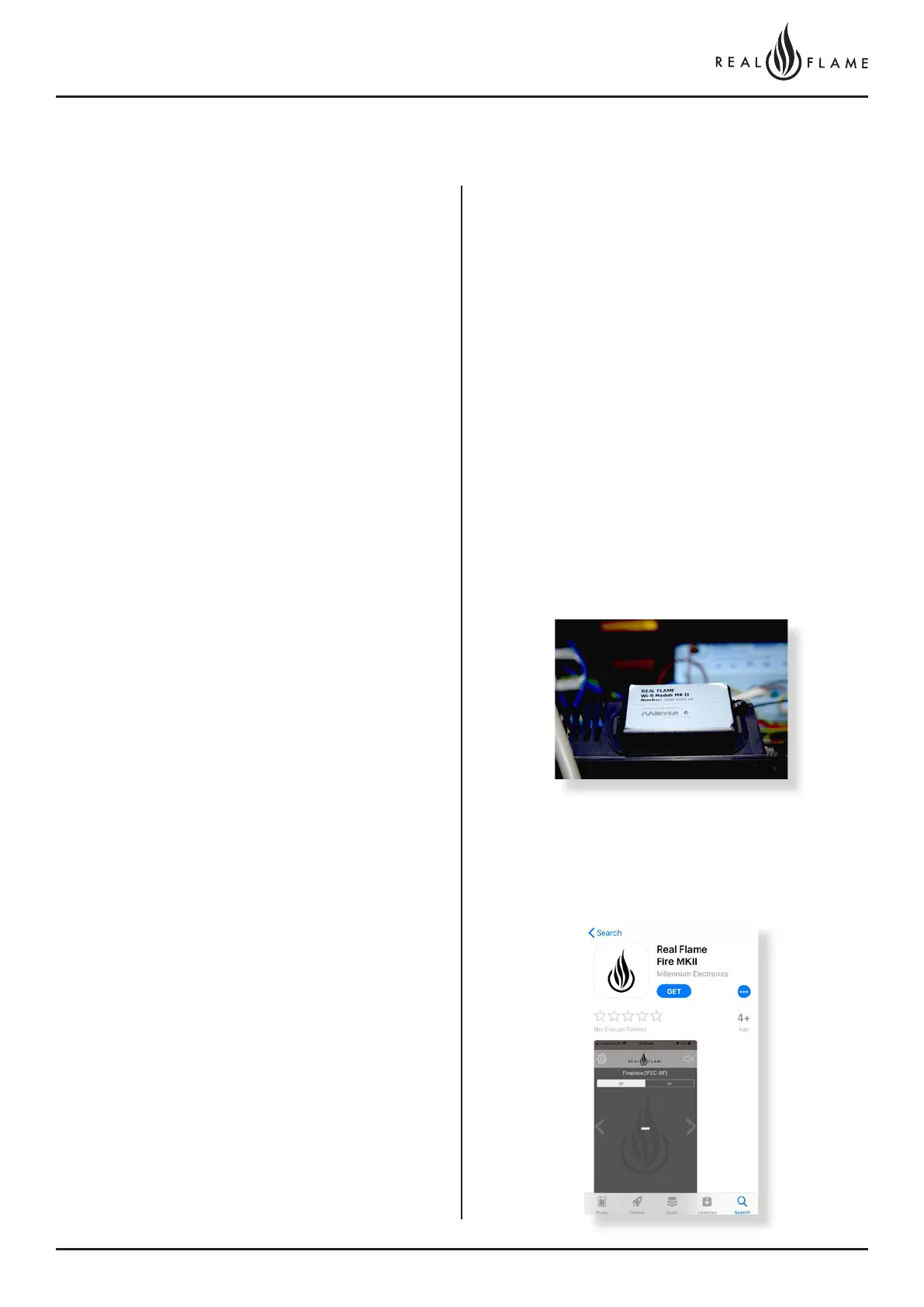
Check version of receiver on appliance is Mk11. If the version is an
older one please contact your dealer for WiFi setup guide for the
older model.
Step 2
Download the Real Flame Fire MKII App from the App store or play
store if you’re an Android user.
iOS DEVICE INSTRUCTIONS



 To Next Page