RW60 User Manual
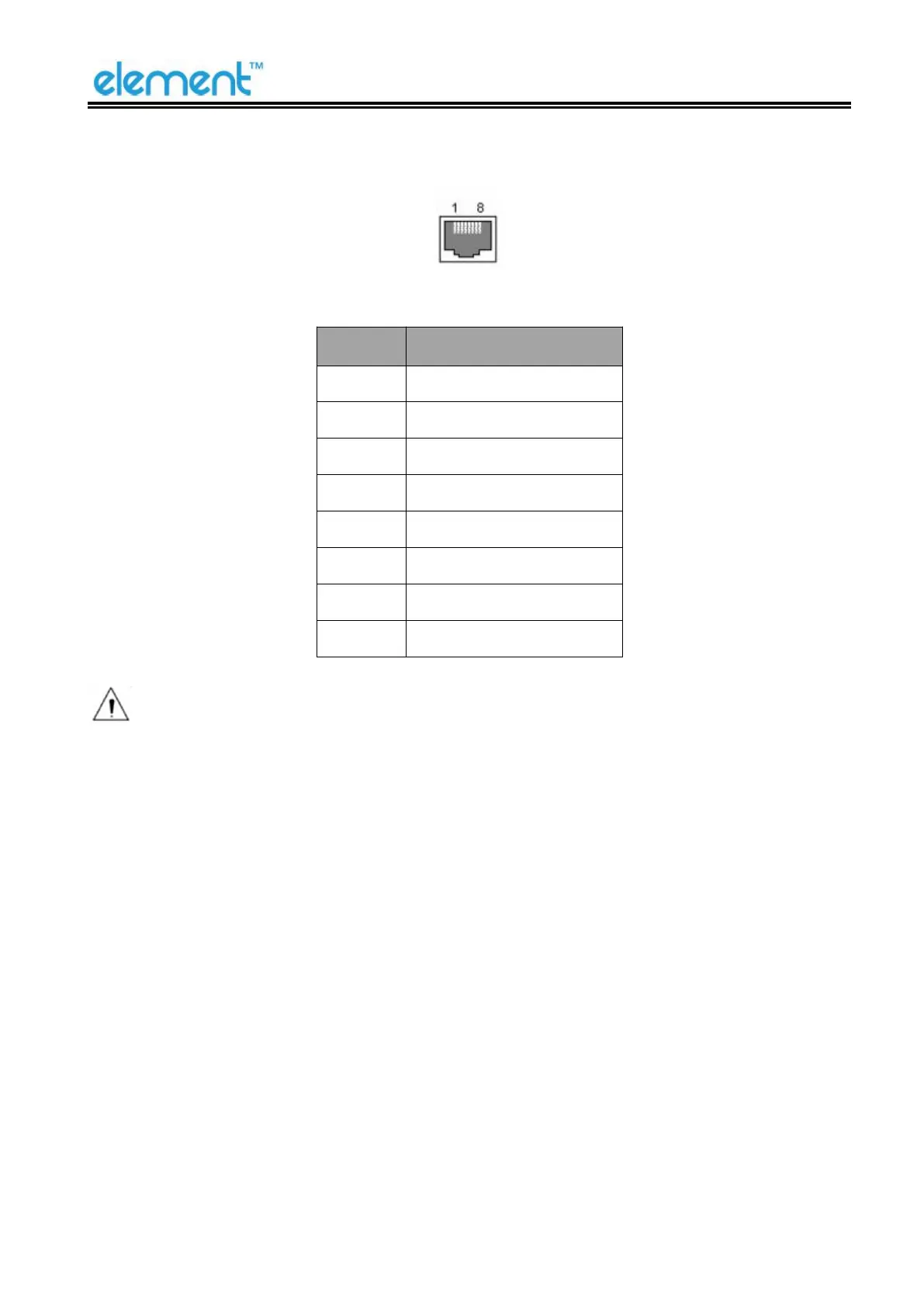
5.5 Ethernet Interface
Figure 5-5
Note: The printer is equipped with an Ethernet interface, and use the network connection
router, switch and other network communication equipment which meet RJ45 interface standard.
When connecting directly with PC, it is suggested that the cross network line in accordance with
RJ45 interface standard should be adopted.



 To Next Page